15
Installation
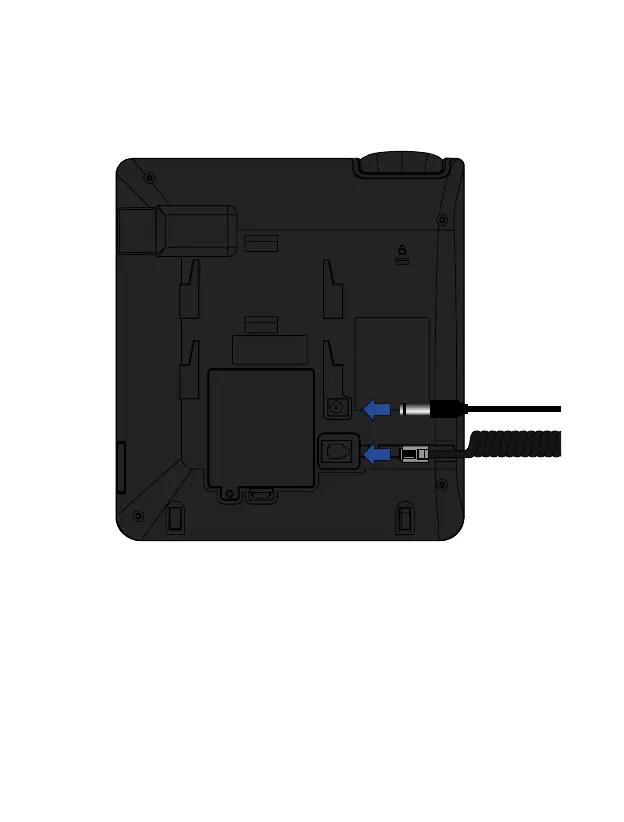
6. Connect the power supply cord to the connector on the back of the phone, and then
plug the power supply into a home AC outlet. The battery level will be indicated on the
screen while the battery charging process is completed.
Battery charge
When the battery level is low, a warning tone will ring and a low battery message, and
the battery icon will be displayed in red. Plug the power adapter into the device to start
charging. The battery level will be indicated on the screen during the charging mode, and
once it is fully charged, the battery icon will appear full. Charging a completely discharged
battery can take 2 to 3 hours. Fully charge the battery before using the device for the first
time.



 To Next Page