19
Numeric keypad
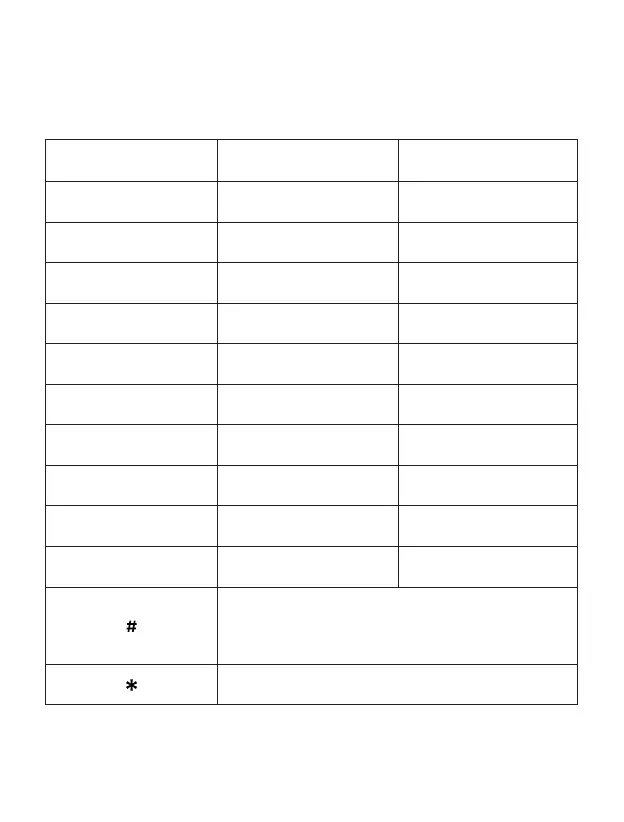
Check the below table when using alphanumeric keypad. When introducing some form
of text on your phone, you can switch between entering numbers (123), lower case (abc)
or uppercase (ABC) by pressing the # key.
Key Lowercase (abc) Uppercase (ABC)
1
. , ? ! - @ 1 . , ? ! - @ 1
2
abc2 ABC2
3
def3 DEF3
4
ghi4 GHI4
5
jkl5 JKL5
6
mno6 MNO6
7
pqrs7 PQRS7
8
tuv8 TUV8
9
wxyz9 WXYZ9
0
[space] and 0
Toggle among: Numbers / Lowercase / Uppercase /
Default text
Special character selection menu



 To Next Page