15
Installation
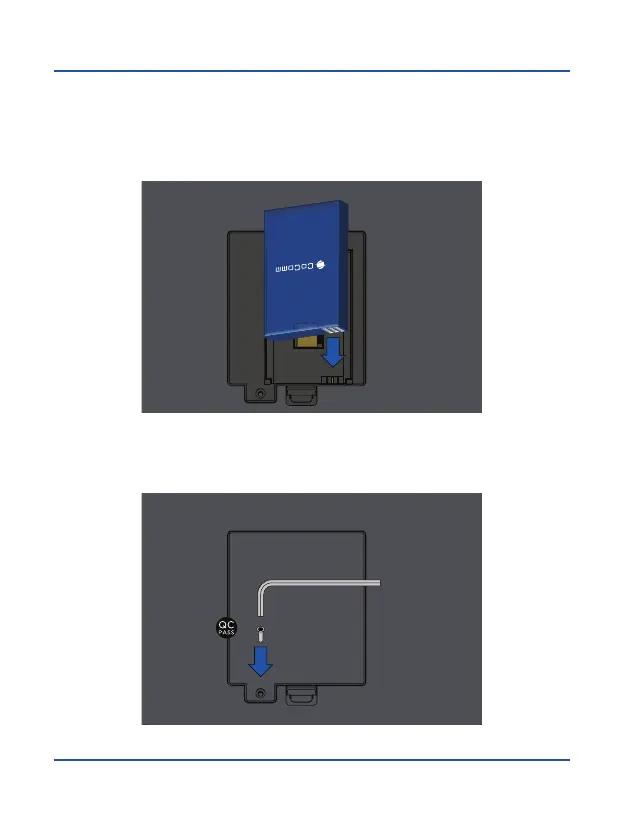
3. Insert the battery within dedicated compartment, making sure that connector
electrodes on the terminal match the slots in the top of the battery as shown in
the figure. Replace the lid of the battery compartment, making sure it is securely
locked in place.
4. Close the lid of the battery compartment using the screw and supplied key, and
use a QC PASS adhesive sticker to cover the screw hole.



 To Next Page