17
Installation
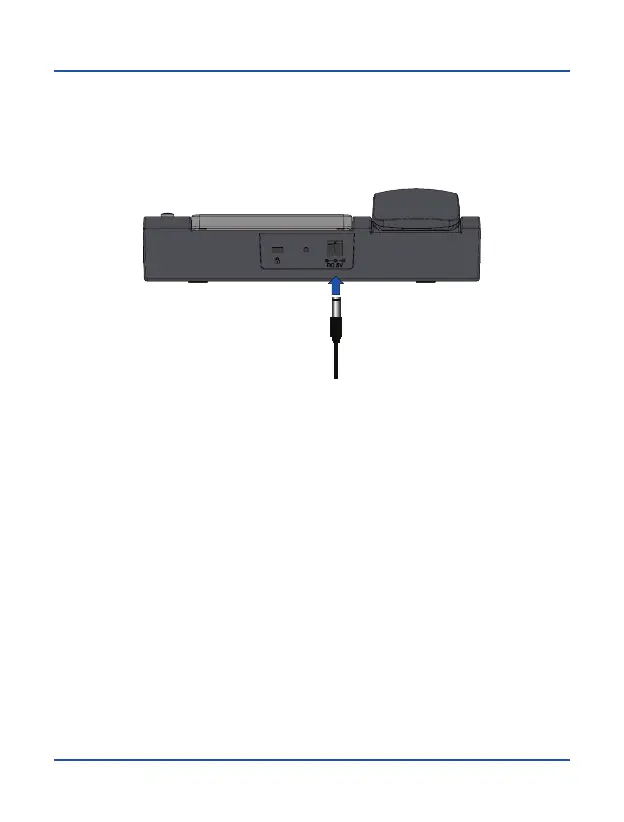
7. Connect power supply cable to the connector on the back of the phone and then
plug the power supply into a household AC power outlet. Battery level will be
displayed on the screen showing charging process status.
Battery Charge
When battery level is low, the phone will issue a warning tone and a low battery
message. Connect power adapter into the device to start charging. Battery level is
indicated on the screen during charging process, and once it is fully charged, battery
icon will appear full. Charging a completely discharged battery can last 2 to 3 hours.
Fully charge the battery before using the device for the first time.
Note:
Always make sure your device is turned off before removing your SIM card. This will
prevent data loss and damage to the SIM card. Do not place SIM card near surfaces
or electromagnetic environments and avoid touching metal connectors. For more
information, contact your network operator.



 To Next Page