USER MANUAL EN
57
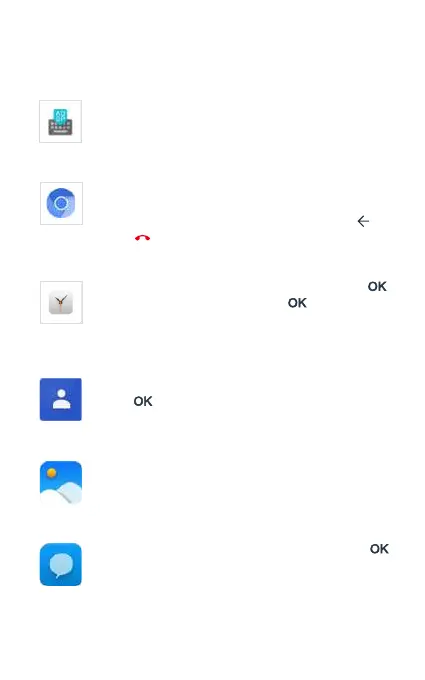
Keyboard
Select the Keyboard icon from the applications menu to
open the app. Using the touch screen, you can navigate
through the dierent keyboard congurations.
Browser
Select the Browser icon from the applications menu to
open the app. Once open you can navigate using the touch
screen. To close the application you can use the [ ] key
or the [ ] key.
Clock
Select the app menu icon Clock , and press [ ]
to access the alarm app. Press [ ] to activate or
deactivate the selected alarm, or press the left selection
key to edit, delete, or add new alarms.
Contacts
Select the Contacts icon from the application menu, and
press [ ] to access the phone’s contacts book.
Gallery
Select the Gallery icon from the applications menu to
open the app. Using the touch screen you can scroll, open
or play Image and Video les.
Messaging
Select the app menu icon Messaging, and press [ ]
to access the phone’s messaging app. In this app, you
can compose and send SMS texts, and MMS multimedia
messages and check received messages.



 To Next Page