EN
58
USER MANUAL
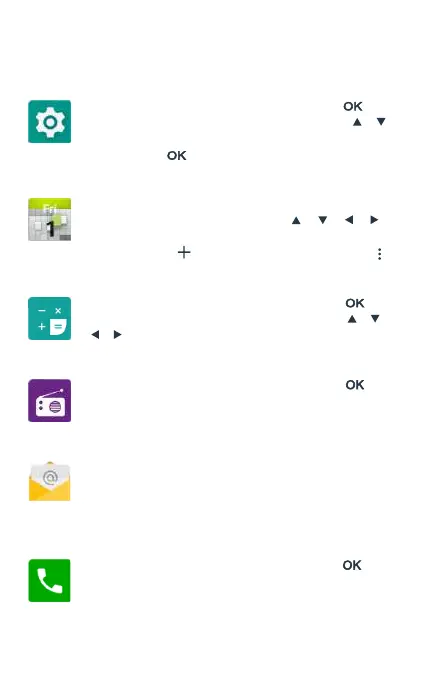
Settings
Select the app menu icon Settings, and press [ ] to
enter the system settings menu. Use direction keys [ ] [
] to select settings for screen, sound, language, Bluetooth,
etc., and press [ ] to access settings.
Calendar
Select the icon Calendar from the app menu to open the
app. You can navigate using the keys [ ] [ ] [ ] [ ]
or using the touch screen. You can add a new reminder by
pressing the icon or access the options by pressing it .
Calculator
Select the app menu icon Caculator, and press [ ] to
access the calculator. You can navigate using the [ ] [ ]
[ ] [ ] keys or using the touch screen.
FM Radio
Select the app menu icon FM Radio, and press [ ] to
access the FM radio app and use the on-screen controls
to perform manual and automatic searches.
Email
Select the Email icon from the applications menu to open
the app. Using the touch screen, you can set up an email
account. Once this conguration is completed, the F760 will
have the email account synchronized.
Phone
Select the app menu icon Phone, and press [ ] to
access the call menu. From this menu you can make calls
to contacts, dial a phone number, or send text messages.
You can also assign phone numbers to the speed dial



 To Next Page