15
Installation
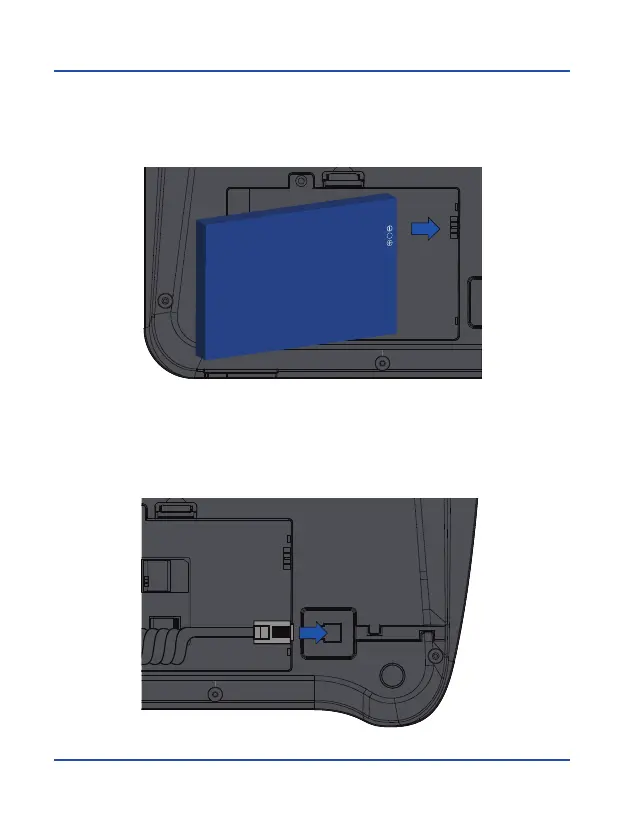
3. Insert the battery into the compartment, making sure that the electrodes of the
connector are matching the top of the battery as shown in the image. Replace the
lid of the battery compartment, making sure it is securely locked in place.
4. Connect the curled handset cord into the phone base. Longest end cable to be
connected under telephone base while the other part to be linked to the handset.



 To Next Page