Operation
Turning on your Camera
a. Press and hold the Power Button for 3 Seconds. The LCD Screen will turn on and
the Camera will beep once indicating it is powered on
NOTE: To turn off your camera, hold the Power Button for 3 Seconds; ‘Goodbye’ will
appear on the LCD Screen and Camera will then switch off
Connecting Camera Wi-Fi:
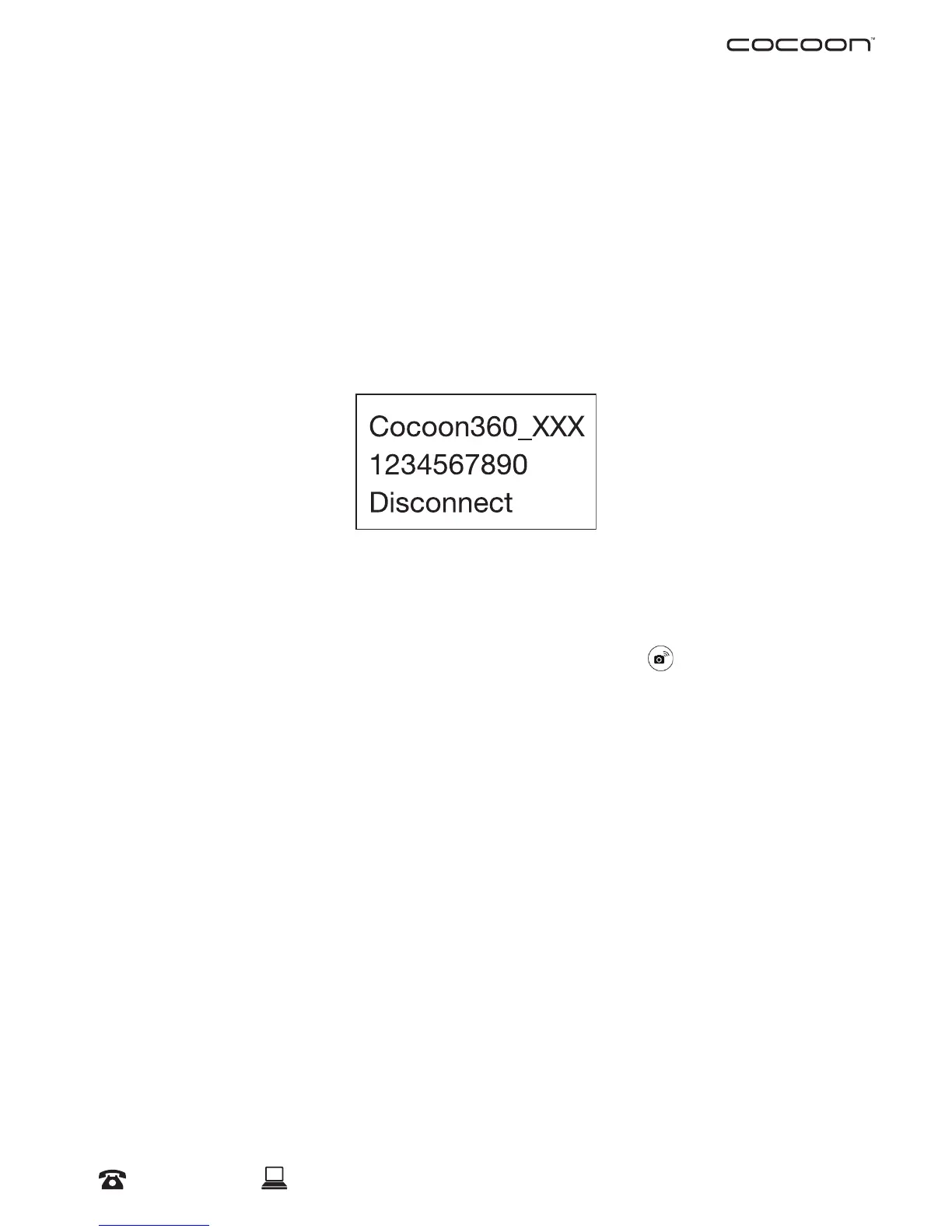
a. Press the Wi-Fi button on the camera; the Wi-Fi Network name and password will
appear on the display screen
NOTE: The Wi-Fi LED indicator with begin ashing red, indicating it is ready for pairing
b. In your Smartphone’s Wi-Fi Settings, connect Wi-Fi with network ‘Cocoon360_xxx’
(with ‘xxx’ being your camera’s unique ID) and enter the password from your
camera’s display screen: 1234567890
c. Open the ‘Cocoon 360’ APP on your Smartphone and select
to connect Camera
with Smartphone
NOTE: Once your Smartphone is connected to the camera, the Wi-Fi Indicator will turn to a
solid red light, indicating pairing is successful



 To Next Page