Operation
IMPORTANT NOTE: You must insert a Micro SD Card (not included) in order to use this
product. Class 6 or Class 10 Recommended (Up to 64GB).
2.1 Charging your Camera
a. Plug one end of the Charging Cable into the Micro USB Port on the Camera
b. Plug the other end of the Charging Cable to your PC’s USB Port
NOTE: Power indicator will turn blue when camera is charging
c. Once the indicator has turned o, your camera is fully charged
NOTE: Please charge camera for 5 hours before rst use
2.2 Using your Camera
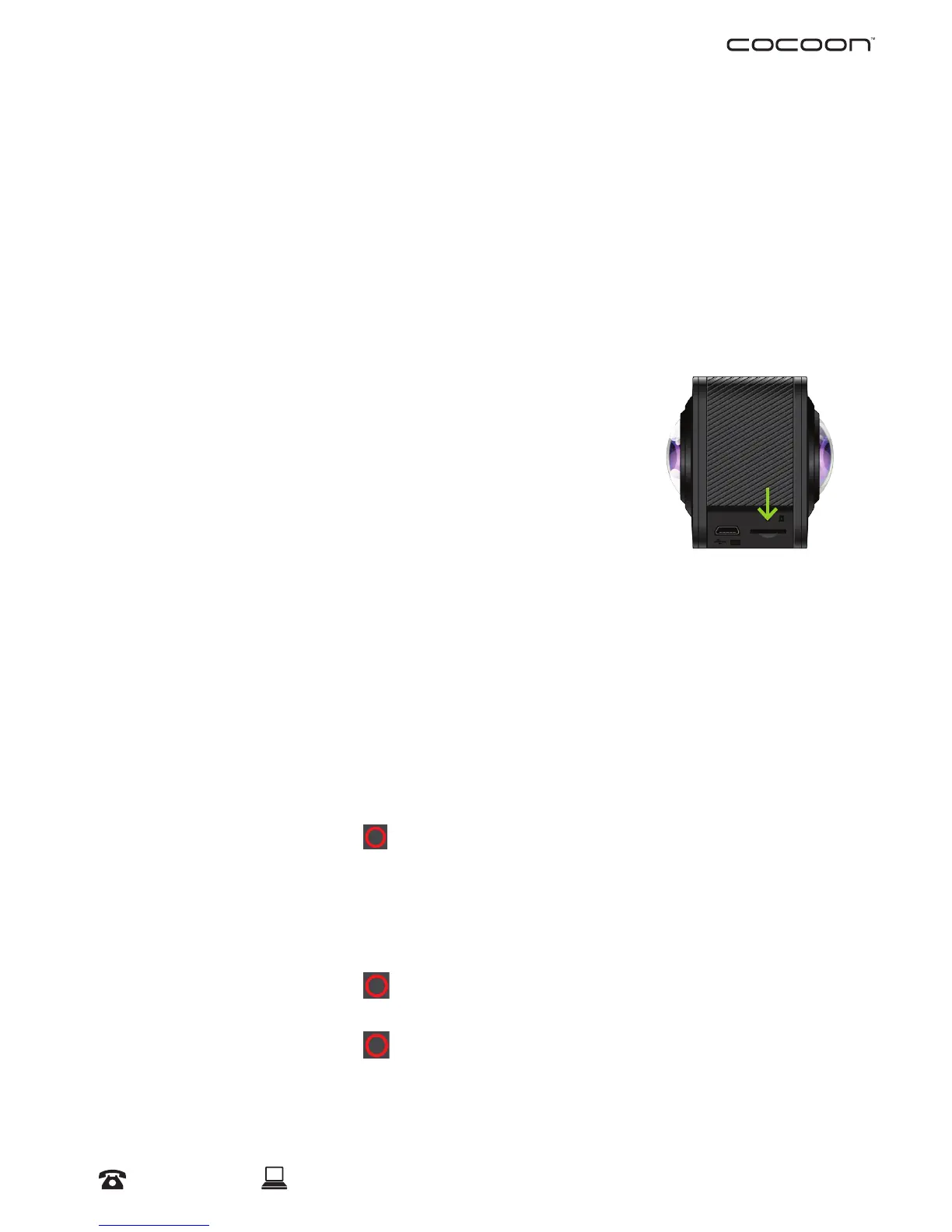
Insert Micro SD Card (not included):
a. Insert a Micro SD card into the Micro SD Card Slot on the
Camera
NOTE: Always ensure your Camera is switched off before inserting or
ejecting a Micro SD Card
Turning on your Camera
a. Press and hold the Power Button for 3 Seconds. The LCD Screen will turn on and
the Camera will beep once indicating it is powered on
NOTE: To turn off your camera, hold the Power Button for 3 Seconds; ‘Goodbye’ will
appear on the LCD Screen and Camera will then switch off
Photo Mode
a. Quickly press the Power Button to switch between Photo and Video Modes
b. Push the Shutter Button
to take a photo. The camera will beep and indicator will
ash indicating a photo was taken
Video Mode
a. Quickly press the Power Button to switch between Photo and Video Modes
b. Push the Shutter Button
to start recording a video.
NOTE: The red indicator will blink whist recording
c. Push the Shutter Button
again to stop recording. The red indicator will stop
blinking and the timer on the LCD display will pause.
NOTE: The arrow above the LCD screen indicates the direction of the front lens



 To Next Page