3.5 Downloading Photos and Video
IMPORTANT NOTE: Images and Videos will be in high quality once downloaded onto your
Smartphone. If you are streaming via Camera Wi-Fi, they will be in low quality.
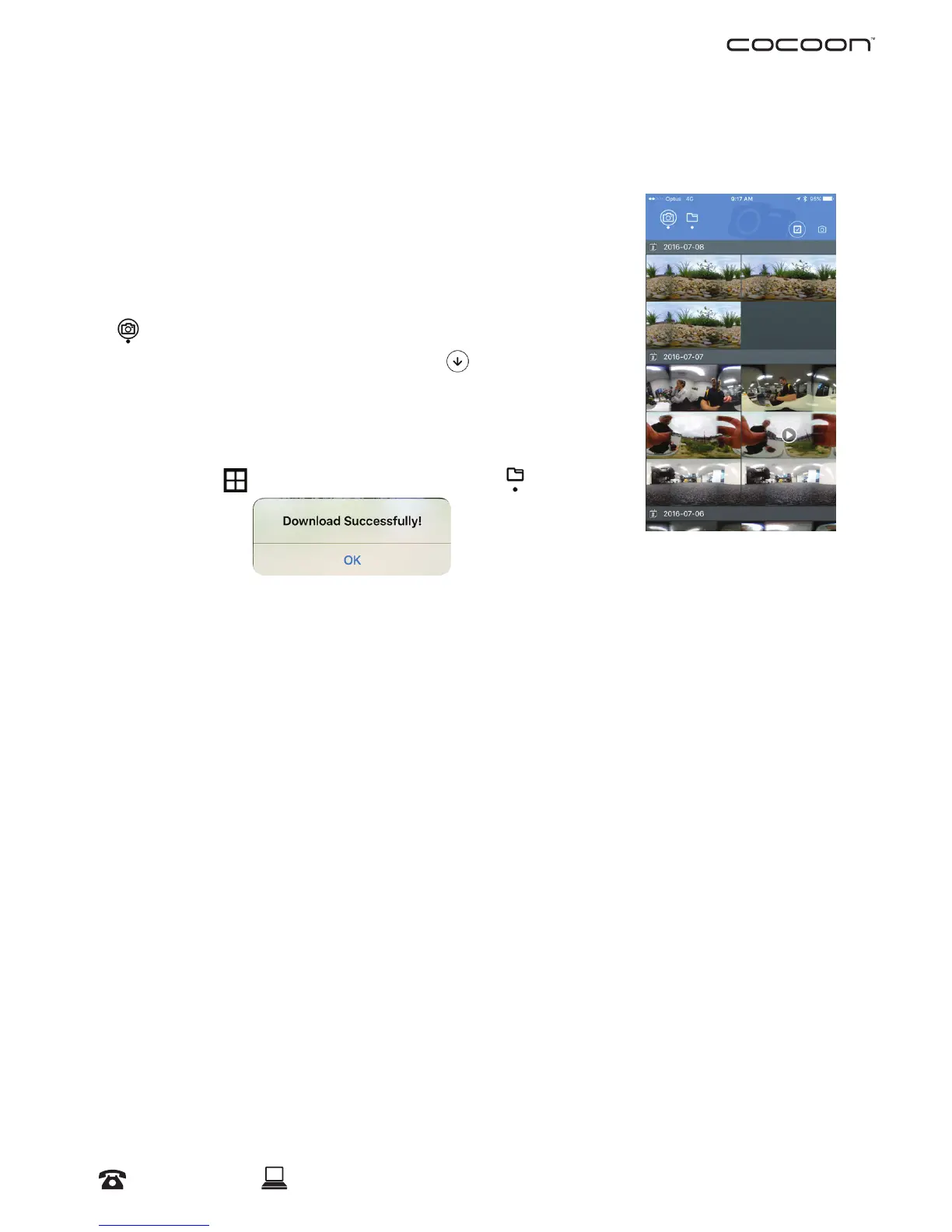
You will be able to view all photos/videos in your Camera’s
Gallery. In order to view them from your Smartphone without
connecting via Camera Wi-Fi, you must download the les
onto your device.
shows all les from the Micro SD Card on your Camera.
a. Select the desired le and pressed
to download le
onto your smartphone
NOTE: Once the desired le has been downloaded, you will
receive a notication on your screen:
b. Select
to return to Home Page. Select to view
all downloaded les
3.6 Downloading Photos and Videos to your PC or Mac
a. Connect the USB Cable to your Camera’s USB port
b. Connect the USB Cable to your computer
c. Power on the Camera to enter mass storage mode
d. Your computer will automatically detect and open the folder containing your photos
and video. Copy them to your computer like you would in a digital camera
3.7 Viewing and Converting Videos on your PC
Visit www.winplus.com.au for additional viewing and conversion applications as well as
tips for sharing on YouTube and social media websites.
Operation



 To Next Page