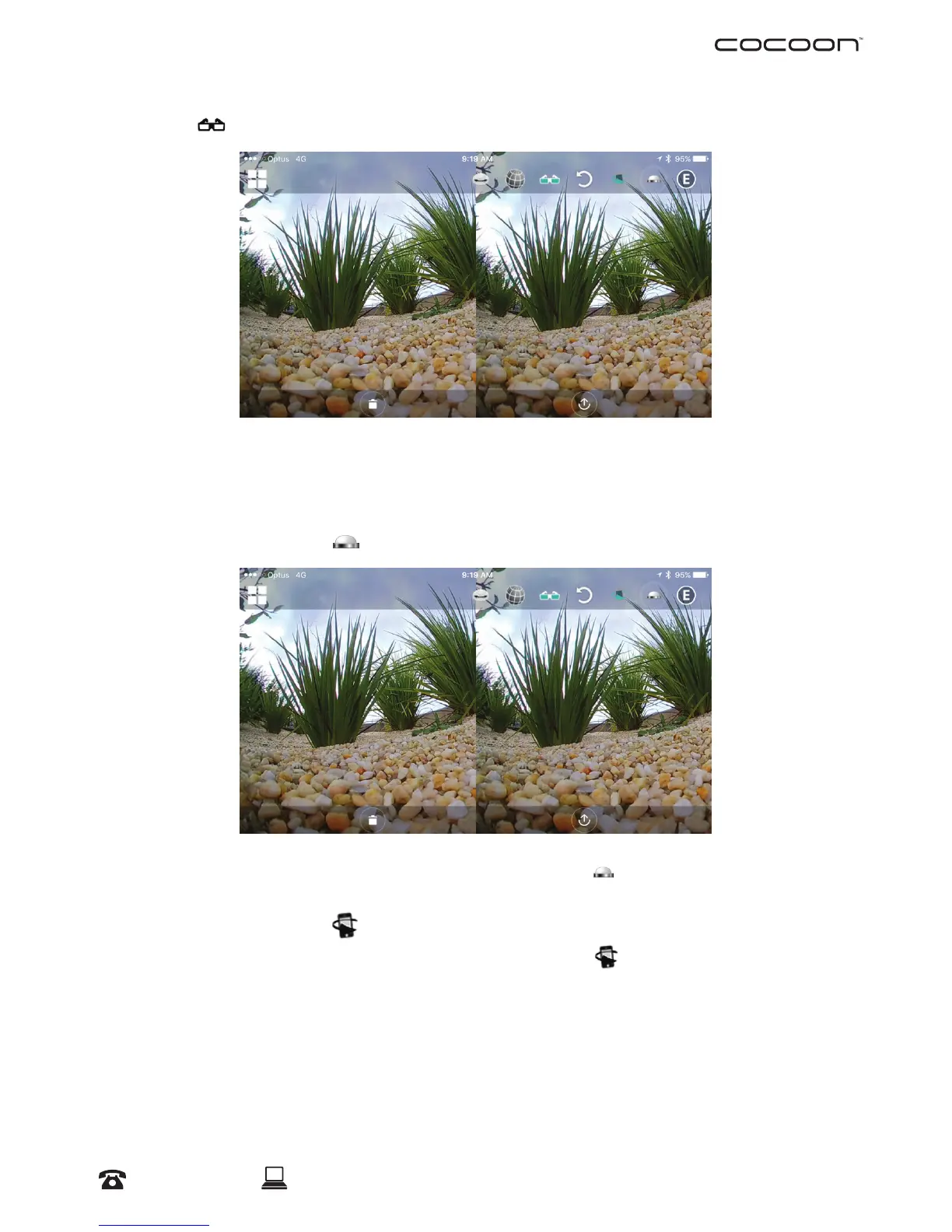
VR Mode
To view your photos or videos with your VR Headset (Not included), you must set your
photo/video in the Cocoon360 App to VR Mode.
Flip Camera 180 Degrees
With the current viewing mode selected, you can also select to ip the view 180 degrees
Motion Panning Function
With the current Viewing Mode selected, you can also select
to experience the full
360 degrees’ view of the photo/video captured via motion panning; simply pan your
Smartphone horizontally or vertically.
Operation



 To Next Page