C006819_05_CR1400_User_Manual
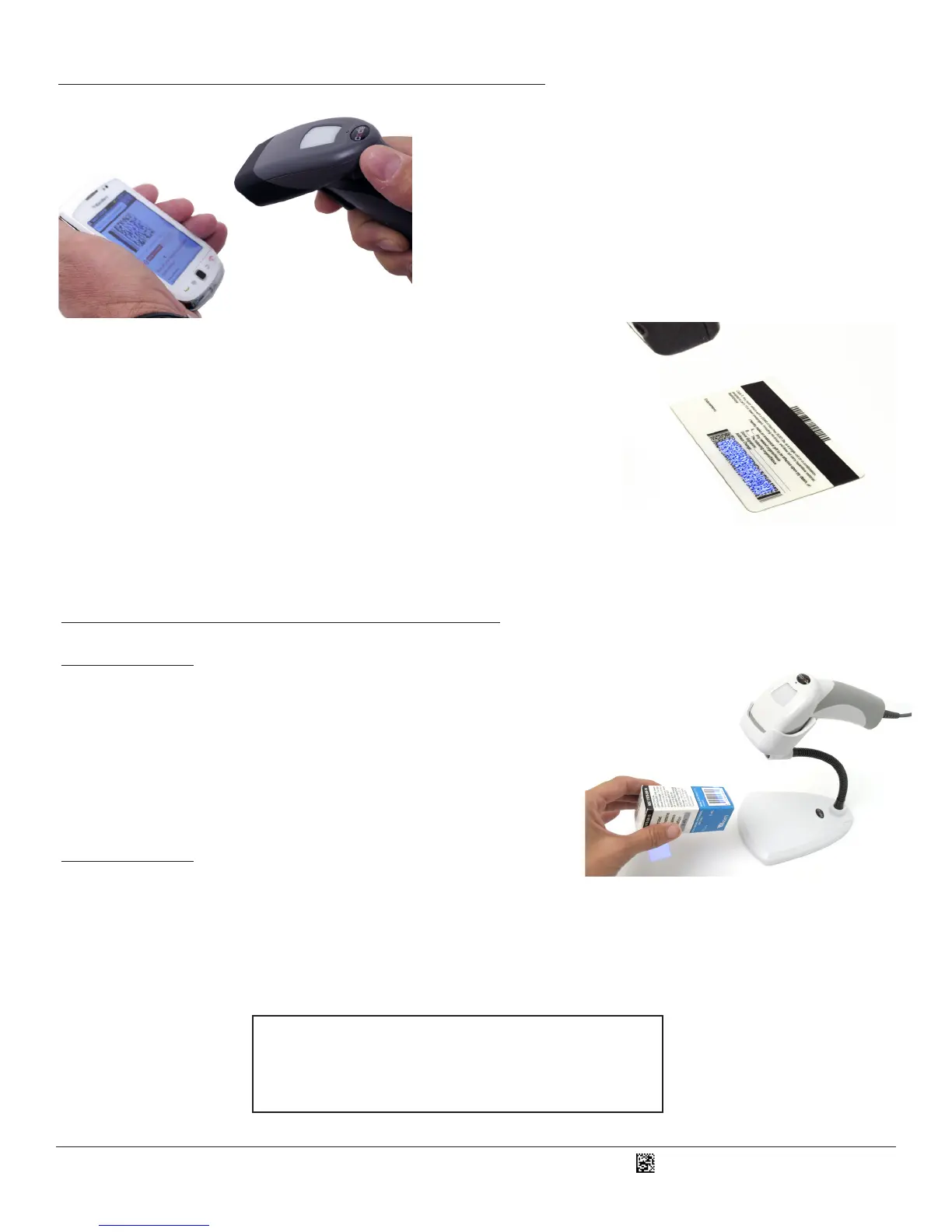
4.0 - Using a CR1400 Out of a Universal Stand
Press and hold the CR1400 trigger, the two blue bars eming from
the reader are used for targeng. Center the blue bars in the middle
of a bar code. The opmal reading distance from reader to bar code is
approximately 4.0” (10 cm).
Once the reader is at the opmal distance, the reader will read the bar
code. The CR1400 will beep, ash a green LED and vibrate to indicate a
‘good read’ has occurred.
5.0 - Using a CR1400 in a Universal Stand
Revision 2 Hardware of the CR1400 has a stand detecon feature. By default,
when the CR1400 is placed in the stand, the reader will automacally enter
into moon detecon mode. When in this mode, simply place a bar code in the
scan eld to acvate the reader. The CR1400 will beep and ash a green LED to
indicate a ‘good read’ has occurred.
When the CR1400 is removed from the stand, the reader switches to manual
mode and the trigger must be pressed to read a bar code (refer to Secon 4.0).
Revision 1 Hardware of the CR1400 does not have an automac stand detecon
feature to enable moon detecon reading when the CR1400 is in a stand. To
congure this hardware revision for moon detecon scanning, please refer to
the CR1400 Conguraon Guide, located at www.codecorp.com/les.php and
scan the appropriate code.
2
See Secon 10.0 to learn how to determine your CR1400
hardware revision number.
To modify any default sengs, download the CR1400 Conguraon Guide
at www.codecorp.com/les.php and scan the appropriate code.



 To Next Page