C006819_05_CR1400_User_Manual
11.0 - Reader ID and Firmware Version
Reader ID and Firmware
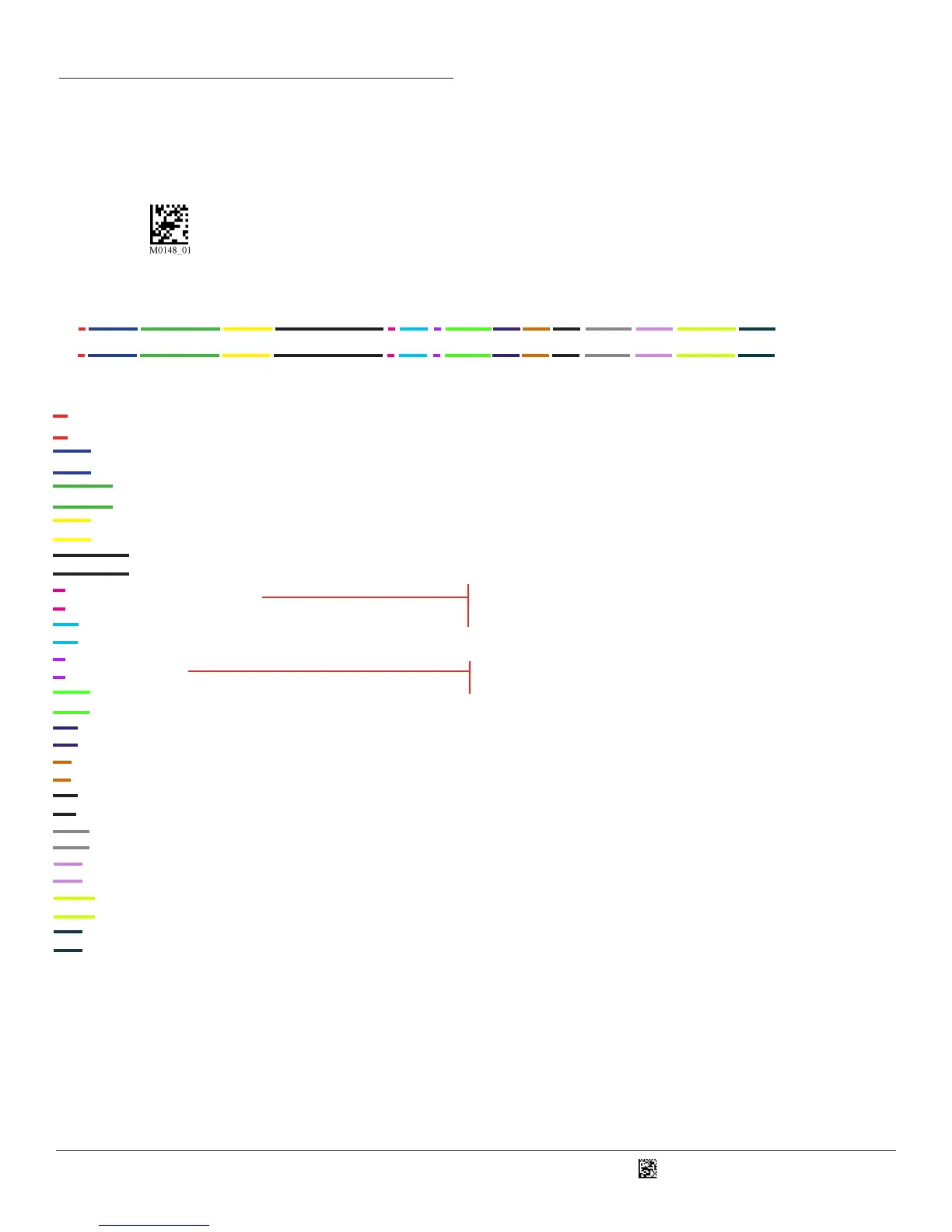
iVVVVWWWWXXXXSSSSSSSSSSAOODYYYYHHIIIIJJJJKKKKLLLL<TAB>Z…Z
5
To nd out the Reader ID and rmware version, open a text editor program (i.e., Notepad, Microso Word, etc.) and read the
following code:
You will see a text string indicang your rmware version and CR1400 ID number (see below):
i indicates ‘I’ string output;
VVVV is the applicaon rmware version number;
WWWW is the core applicaon rmware version number;
XXXX is reserved for the radio rmware version number;
SSSSSSSSSS is the Reader’s serial number (ten digits);
A is the current execuon state:
OO is the OEM idener;
D is the display type:
YYYY is the ash le system version number. Reserved;
HH is the hardware revision;
IIII is the hardware type idener: 0008 indicates a CR1400
JJJJ is the boot applicaon version;
KKKK is the operang system kernel version;
LLLL is the root le-system version;
<TAB> is the ASCII TAB character;
Z…Z is the OEM decoder version: a null terminated string of printable ASCII characters. Without a decoder.ini le,
the order of the decoders listed here indicates the order of use.
Example:
Xap/i3000300006040010002363A06D-SD+SQ
Note: Code will periodically release new rmware for CR1400 readers. For informaon on latest rmware versions,
call Code at (801) 495-2200. To upgrade rmware, please visit our website at hp://www.codecorp.com/
codesupport.php and follow instrucons provided.
“0” or “N” is no display device
“D” is the standard Keypad/Display
“A” means core is running
“B” means undened
“C” means undened



 To Next Page