7
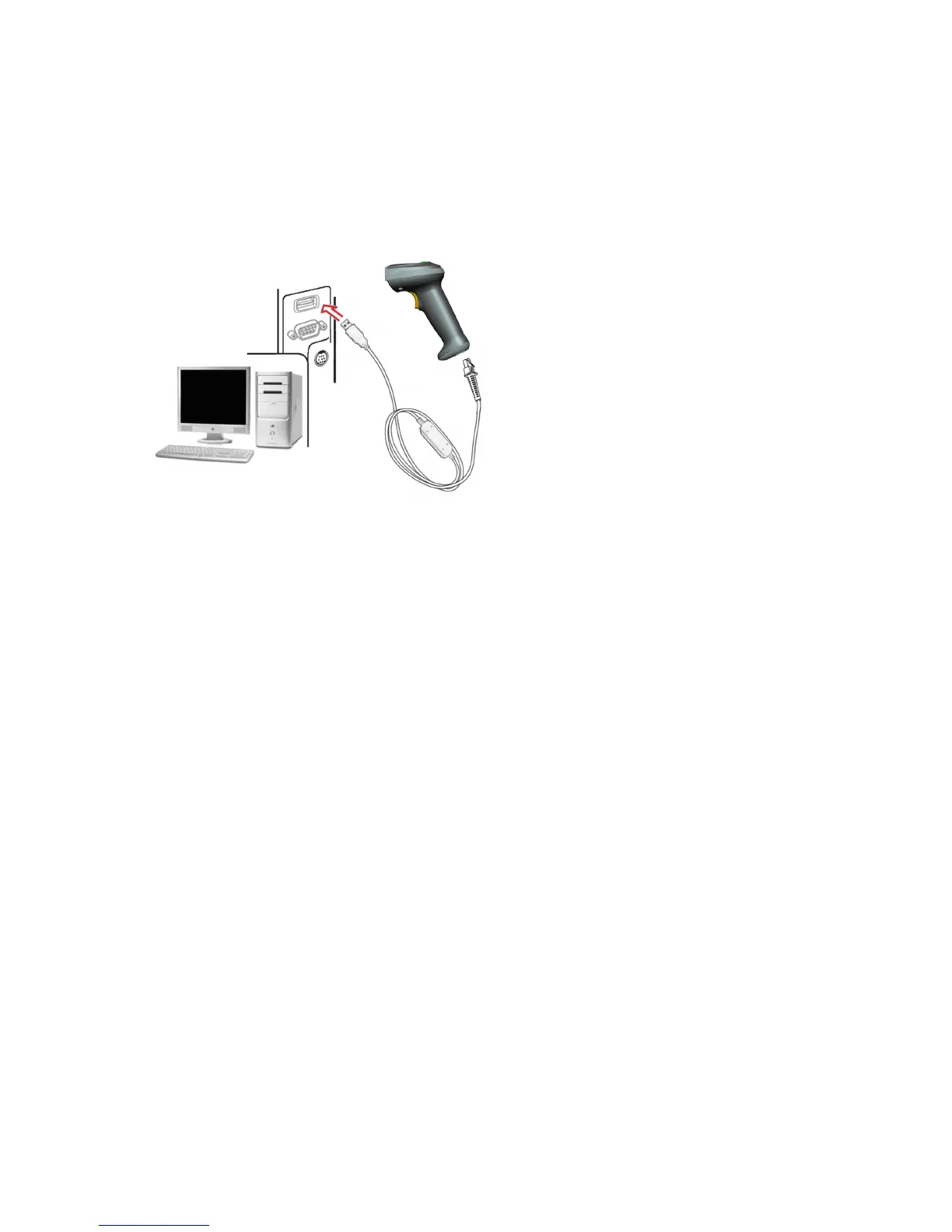
Installation - USB
The scanner attaches directly to a USB host, and is powered by it. No additional power supply is
required.
1. Refer to Figure 5, connect the USB interface cable to the bottom of the scanner.
2. Plug the series A connector in the USB host, or an available port of the terminal.
3. Windows will automatically detect the USB device.
Figure 5



 To Next Page