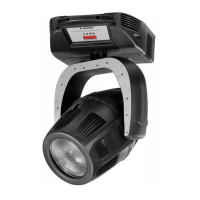
After having followed the preceding steps, turn on the projector via the power button. upon powering up, the projector will perform
a reset on all its motor, allowing them to be correctly aligned.
Software version
Two software systems are located within the projector, located in the display pcb “
D” and in the master pcb “M” .
Upon powering up, the display of the projector will, for a few seconds, show the software versions installed in the unit
For example the iWashLed many show:
D 1,00 (display software “D” version 1,00.)
M 1,00 (master software “M” version 1,00.)
DMX reception
After having displayed the software versions, the projector will perform a reset and, following this, the display will stay on in a fixed
mode, indicating that the fixture is correctly receiving DMX512 signal.
If the display flashed, the projector is not receiving signal. Check the operation of your controller and your cabling.
turning on the projector with no dmx signal present
After having displayed the software versions, the projector will perform a reset and, following this, the display will flash, indicating that
the fixture is not receiving DMX 512 signal.
Each i-WashLed utilises, in standard mode, 12 channels of DMX512 control signal for complete control.
DMX 512 addressing
To ensure that each projector accesses the correct signal, it is necessary to correctly address each fixture. Any number bet-
ween 1 and 499 can be generated via the multifunction panel of the iWashLed.
This procedure must be carried out on every iWashLed.
When initially powered up, each projector will show A001 which indicates DMX address 1; a projector thus addressed will
respond to channels 1 through 12 of your DMX 512 controller. A second projector should be addressed as 13, a third as
25 and so on until the final iWashLed, in relation to the number of channels addressable by your controller.
If the A001 display flashes, this indicates that the projector is not receiving signal correctly. Check the connection and cabling for any
faults.
Altering the DMX address
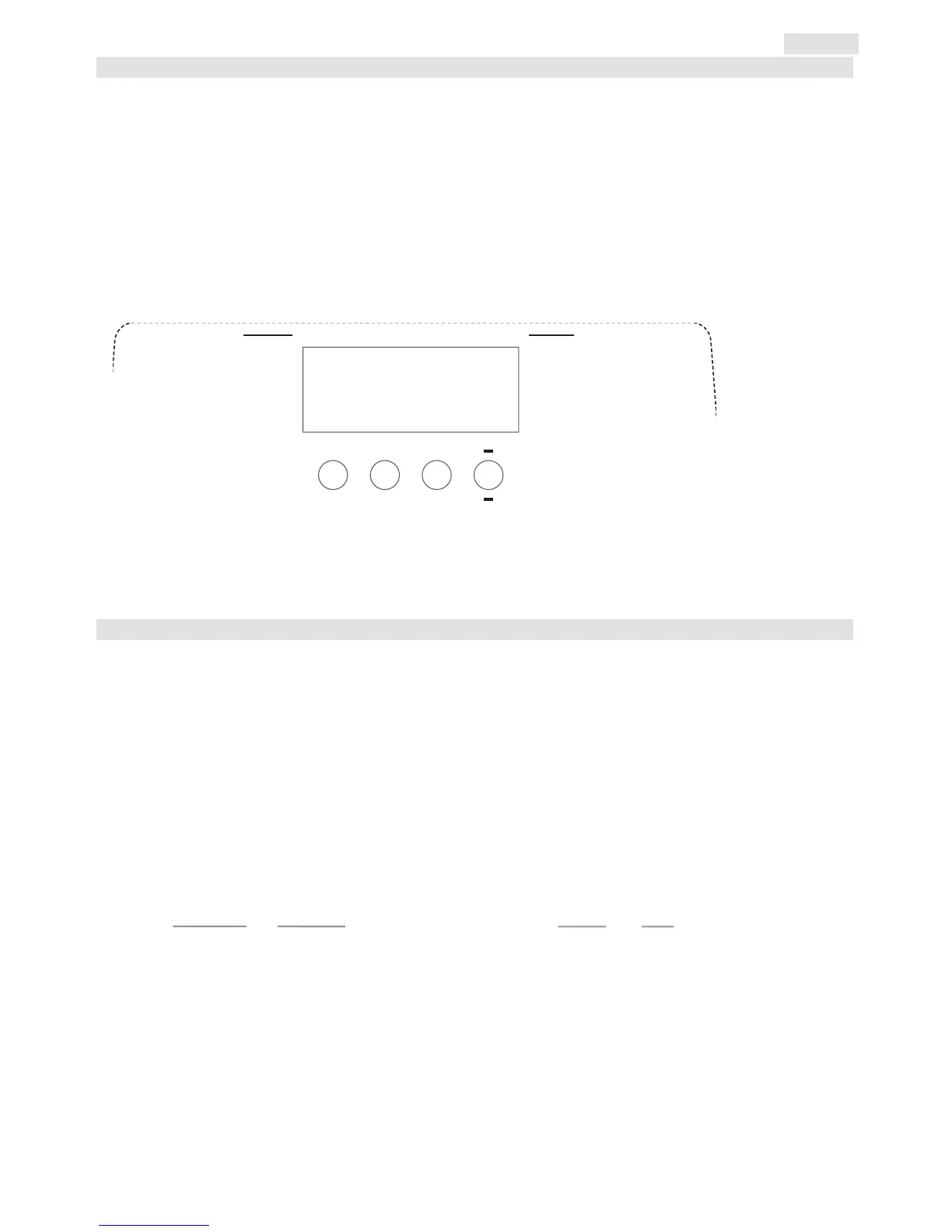
1) Press the + or - buttons until the required DMX address is located. The display panel will flash to indicate that the
currently displayed address is not recorded.
2) Press the enter button to confirm your selection. The display panel will stop flashing and the fixture will now respond
to the newly assigned DMX address.
Important Note:
holding down the + or - buttons will cause the display to scroll quickly through the channel numbers at an
increased speed, allowing a faster selection to be effected.
If the enter button is not pressed to confirm the change of DMX address, the projector will automatically return
to its original address after some seconds have elapsed


 To Next Page
 Loading...