15.
12. Programming. Adjustments. – SERVICE Cater
ADJUSTING TEMPERATURE
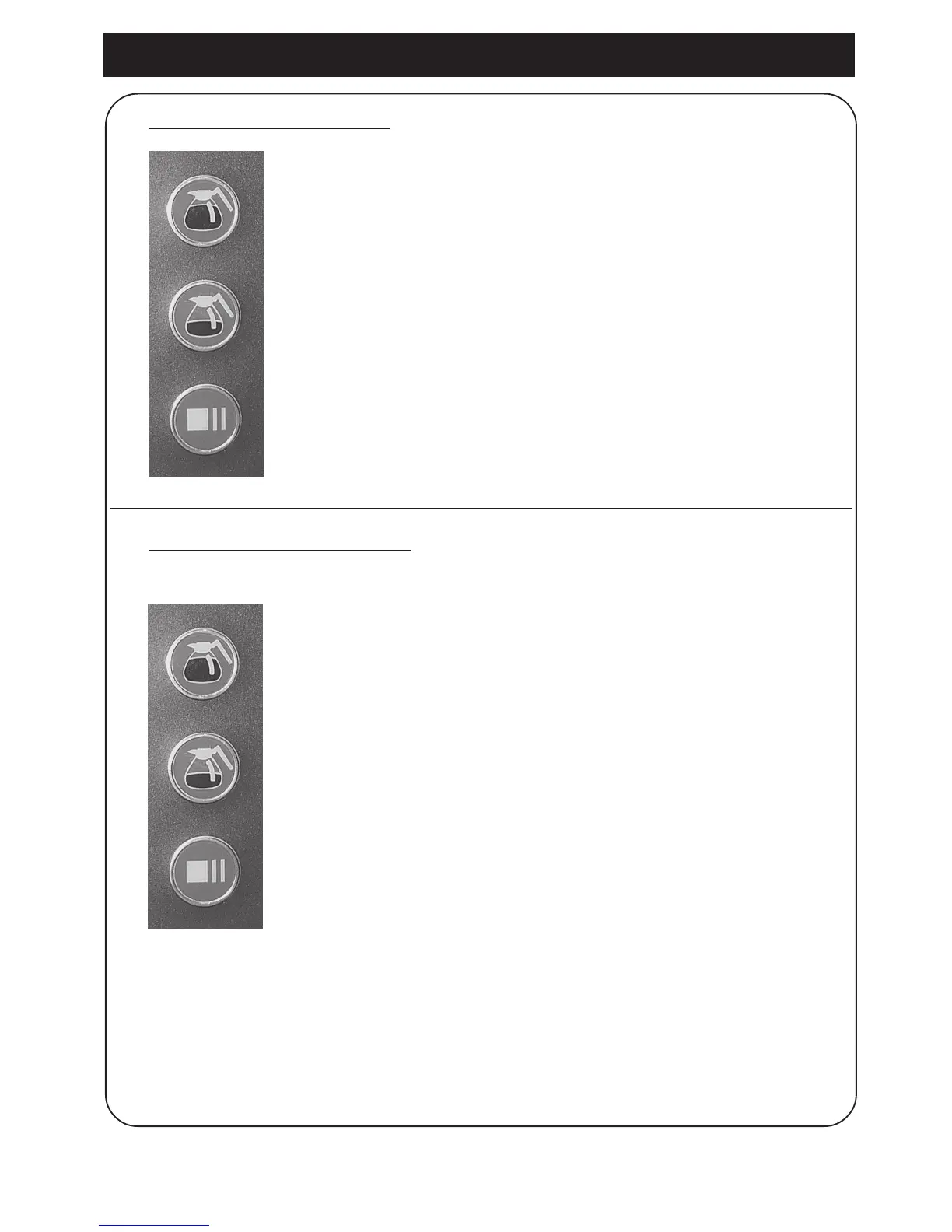
1. Press the full brew and half brew buttons simultaneously
and hold for 5 seconds until you hear a beep.
The display shows the current setting.
2. Adjust using the buttons:
full brew = (increase water temp.)
and
half brew = (decrease water temp.)
3. Confirm the new settings by pressing the Stop/Pause button.
70°C = min. temperature.
96°C = max. temperature.
ADJUSTING WATER QUANTITY
1. Push the full brew and Stop/Pause buttons
simultaneously and hold for 5 seconds, until
you hear 3 beeps.
The display shows the current setting.
2. Adjust using the buttons:
full brew = (increase outlet valve activity)
and
half brew = (decrease outlet valve activity)
3. Confirm the new settings by pressing the
Stop/Pause button.
Adjust Signal
Off 6
25% 5
20% 4
15% 3
10% 2
5% 1
0% 0
-5% -1
-10% -2
-15% -3
-20% -4
-25% -5






 To Next Page