18
Getting Started - Cogent Systems, Inc. Proprietary Information
•
•
•
•
•
•
4 Select your user name from the list of approved users in the drop-down
menu.
5 Enter your password in the
Password field.
6 Tap
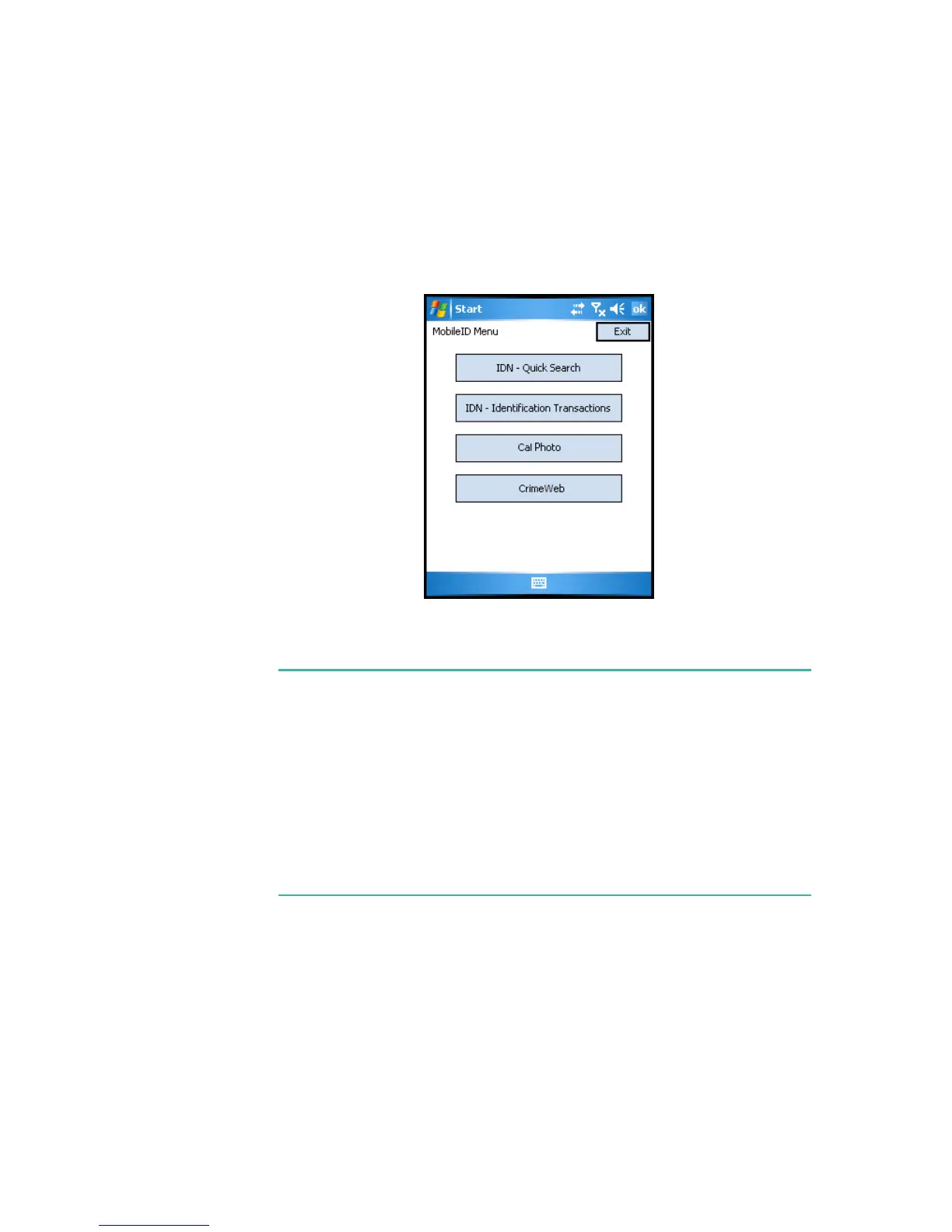
Login. The MobileID Main Menu window will be displayed, an
example of which is shown in
Figure 4-2.
Figure 4-2 MobileID Main Menu Window
Note:
From the
MobileID Main Menu
window, you can choose whether to
perform a quick search identification (
IDN - Quick Search
) or a standard
identification search (
IDN - Identification Transactions
).
The procedures for performing a quick search identification are described
in
Chapter 5
.
The procedures for performing a standard identification search are
described in
Chapter 6
.



 To Next Page