Viewing Transaction Information - Cogent Systems, Inc. Proprietary Information
35
•
•
•
•
•
•
Chapter 7
• • • • • •• • • • • •• • • • • •
Viewing Transaction Information
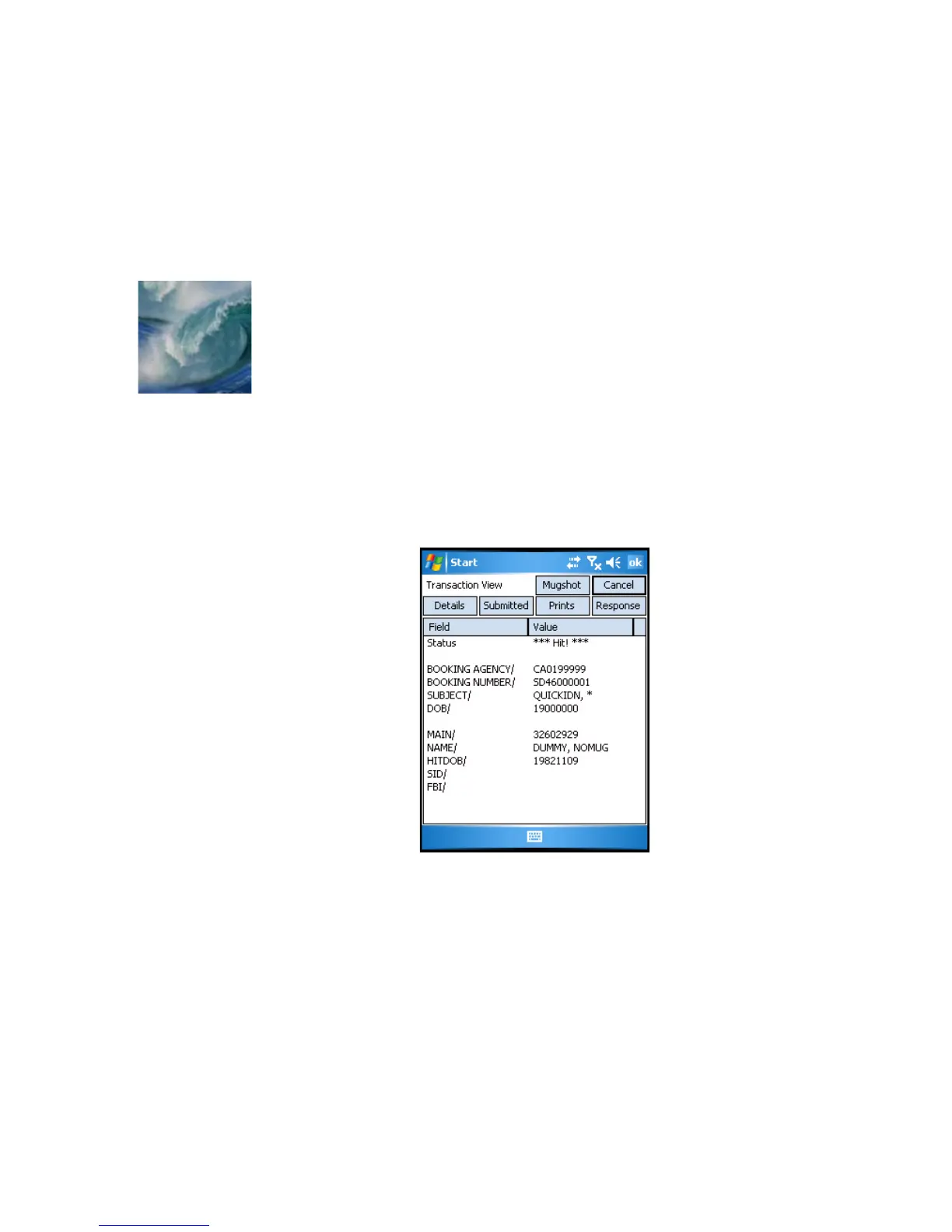
You can view the fingerprint images and demographic information for any
transaction in the
Transaction Queue
window by simply highlighting the
transaction in the queue and tapping the
View
button. When you do so, the
Transaction View
window will be displayed for that transaction, an
example of which is shown in
Figure 7-1
.
Figure 7-1 Sample Transaction View Window
From the
Transaction View
window, you can view the subject’s fingerprint
images and demographic information.



 To Next Page