34
Performing an Identification Search - Cogent Systems, Inc. Proprietary Information
•
•
•
•
•
•
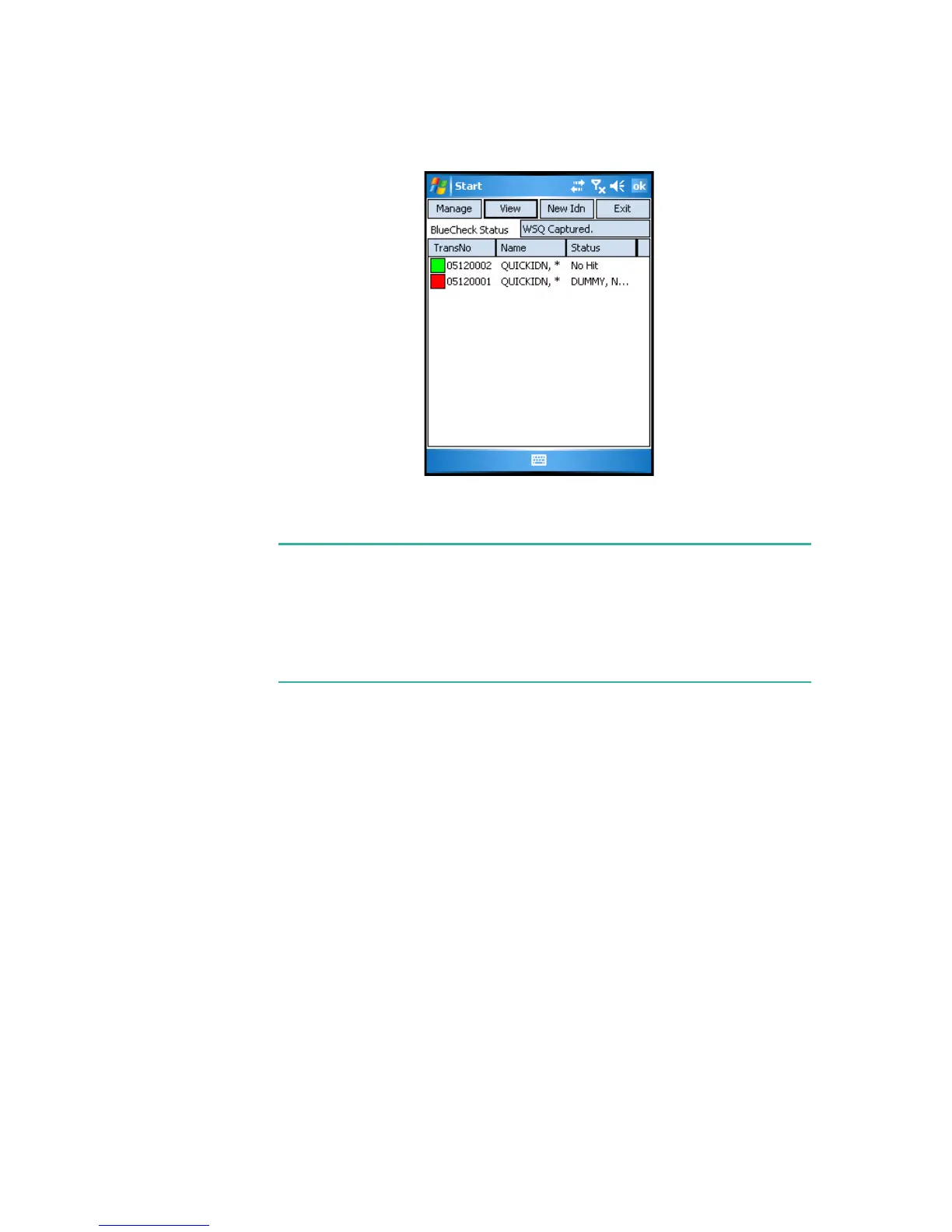
Figure 6-8 Results of the Quick Search Identification
Note:
A Hit will be indicated by a red square to the left of the transaction
number. In addition, the subject’s name will be displayed in the
Status
column. A Non-Hit will be indicated by a green square to the left of the
transaction number. In addition,
No Hit
will be displayed in the
Status
column.
21 To return to the MobileID Main Menu window, tap Exit. A dialog box will
be displayed.
22 Tap
Yes. The MobileID Main Menu window will be displayed.



 To Next Page