32
Performing an Identification Search - Cogent Systems, Inc. Proprietary Information
•
•
•
•
•
•
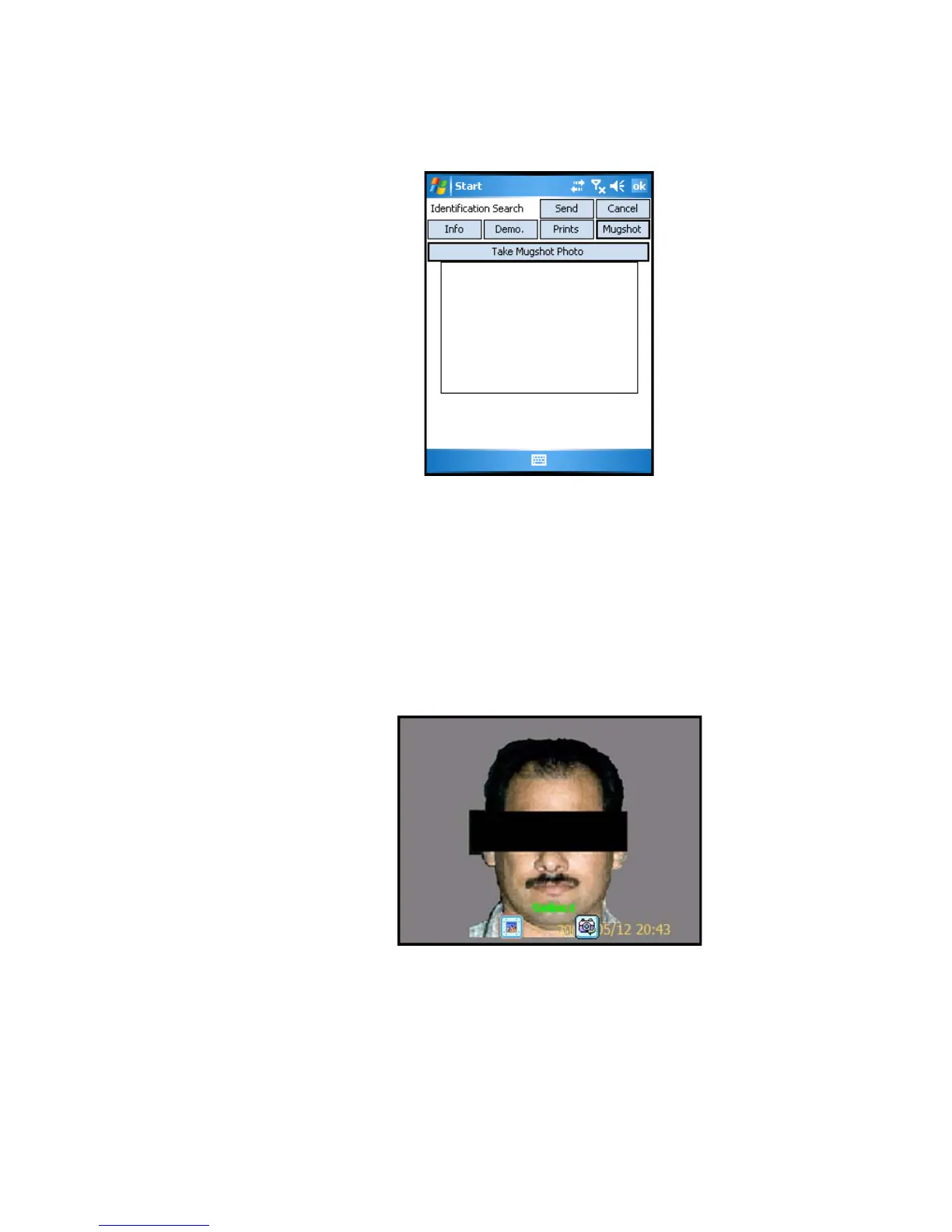
Figure 6-5 Mugshot Capture Subwindow
14 Tap the Take Mugshot Photo button. The mugshot capture window will
become active.
15 Rotate the
Pocket PC PDA to the left and position the PDA camera so
that the subject’s face is centered in the mugshot capture window.
16 Press the camera button on the top edge of the
Pocket PC PDA device
to capture the subject’s mugshot photo. An example is shown in
Figure
6-6
.
Figure 6-6 Preview of Subject’s Mugshot



 To Next Page