16
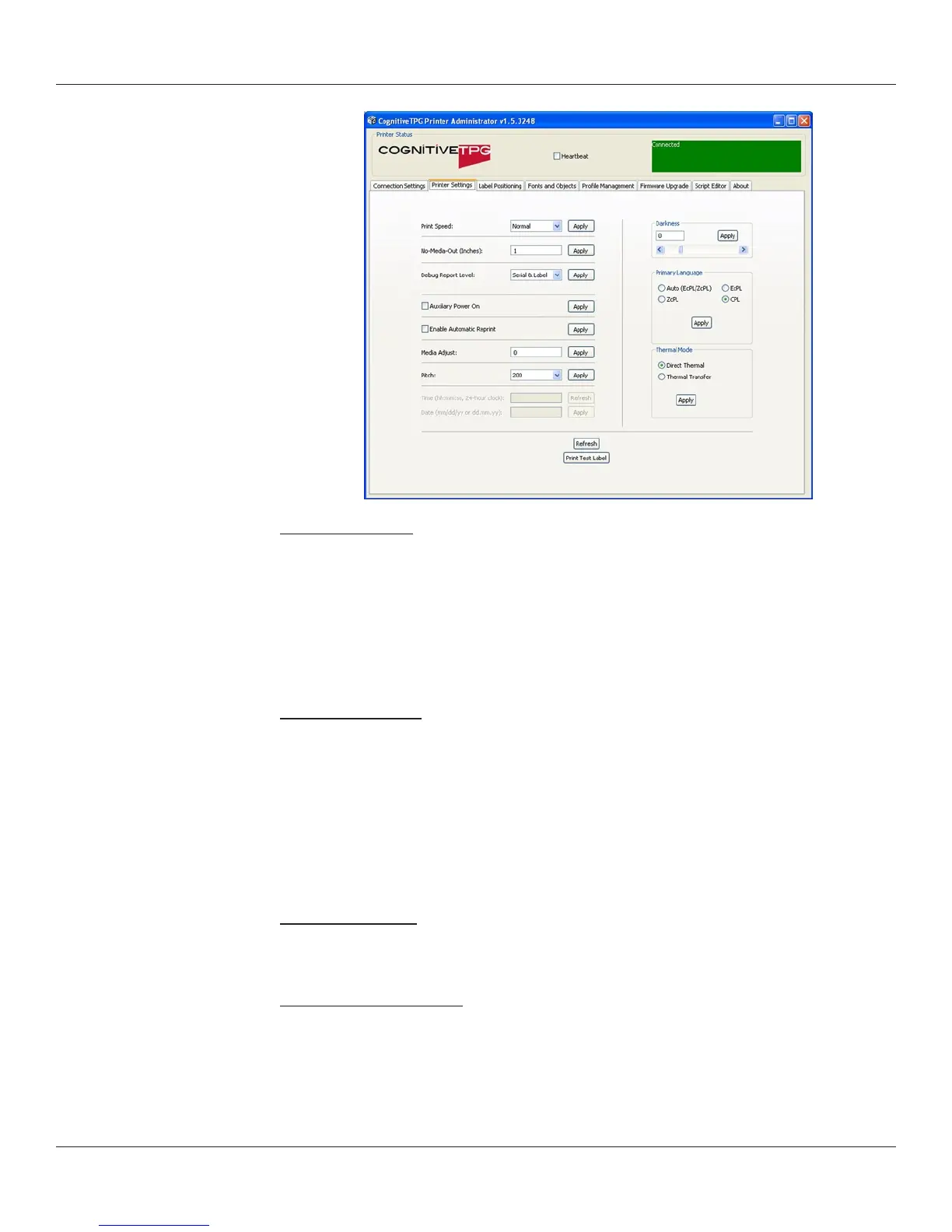
No-Media Timeout
The no media timeout value represents the number of inches of media fed through the
printer without detecting an index mark prior to reporting an error.
EXAMPLE:IFNOMEDIATIMEOUTISSETTO12,THEPRINTERWILLCONTINUETOFEED
12INCHESOFMEDIAWITHOUTDETECTINGANINDEXMARKBEFOREREPORTINGAN
ERROR.
Debug Report Level
Species the method by which the printer reports error.
Values:
• None = Turns error reporting O.
• Serial = Printer sends error report to host device via serial port.
• Serial & Label = Printer sends error report via serial port and prints an error
label.
Auxiliary Power ON
Check Auxiliary Power ON to enable the 5V serial port output.
Enable Automatic Reprint
Checking the Enable Automatic Reprint box prompts the printer to reprint a label in
the event the printer detects an index mark prior to completing the requested label.



 To Next Page