PR750H
User manual
Version: 5
Page: 16 of 21
Date: 2023.05.25
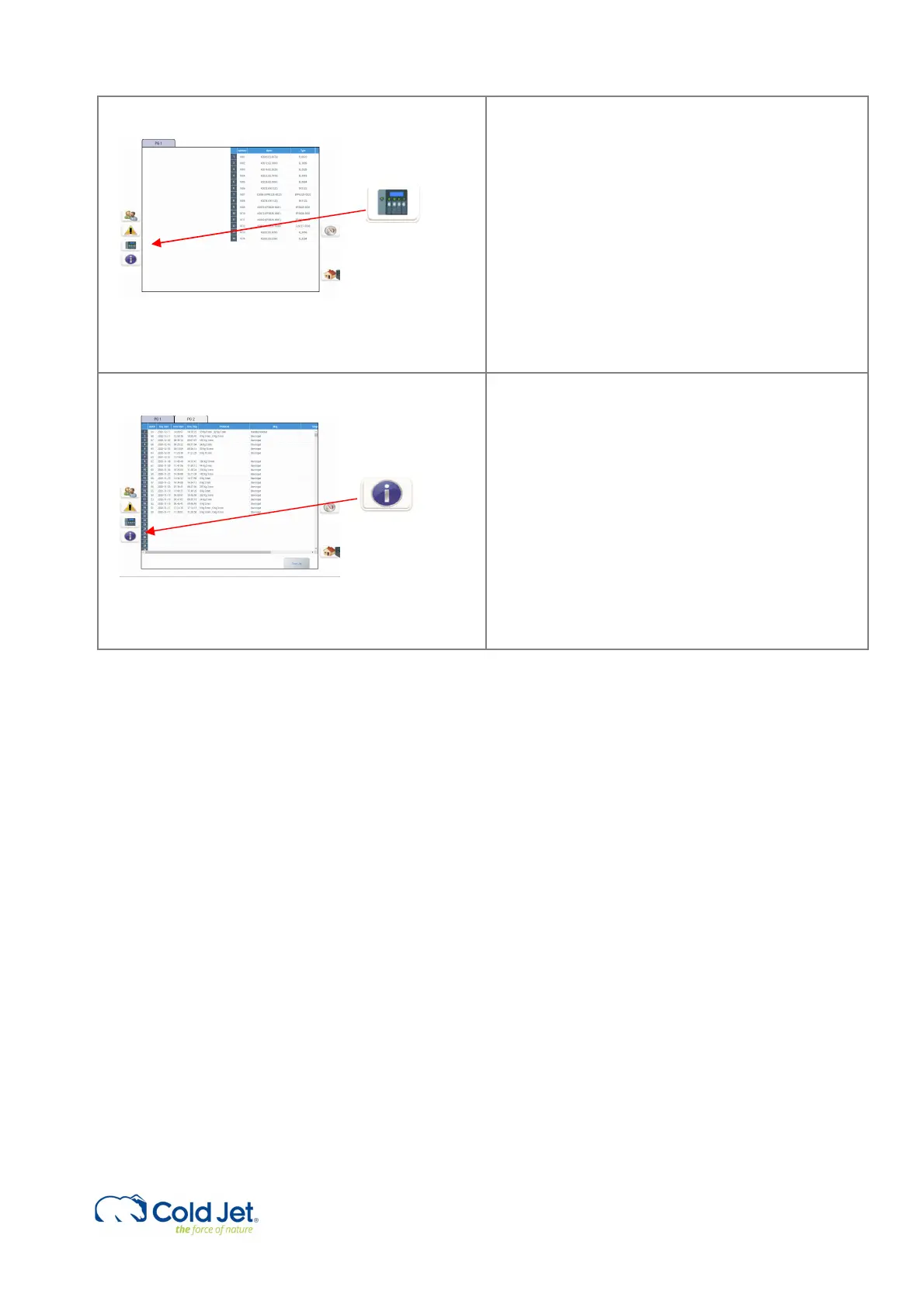
9 Hardware status
These pages give information about the Hardware
status for some of the electrical components. If there
are no faults in the system, all the Address lines will
be white. If there is a fault in a component, its
address line will become red.
10 Info page
Info page divided into 2 pages, PG1 and PG2.
PG1 is the Production log, and it has the last 1000
productions.
PG 2 shows information such as Device, PLC,
Software, and TeamViewer ID.



 To Next Page