update. DO NOT remove your switch device while the update is in progress.
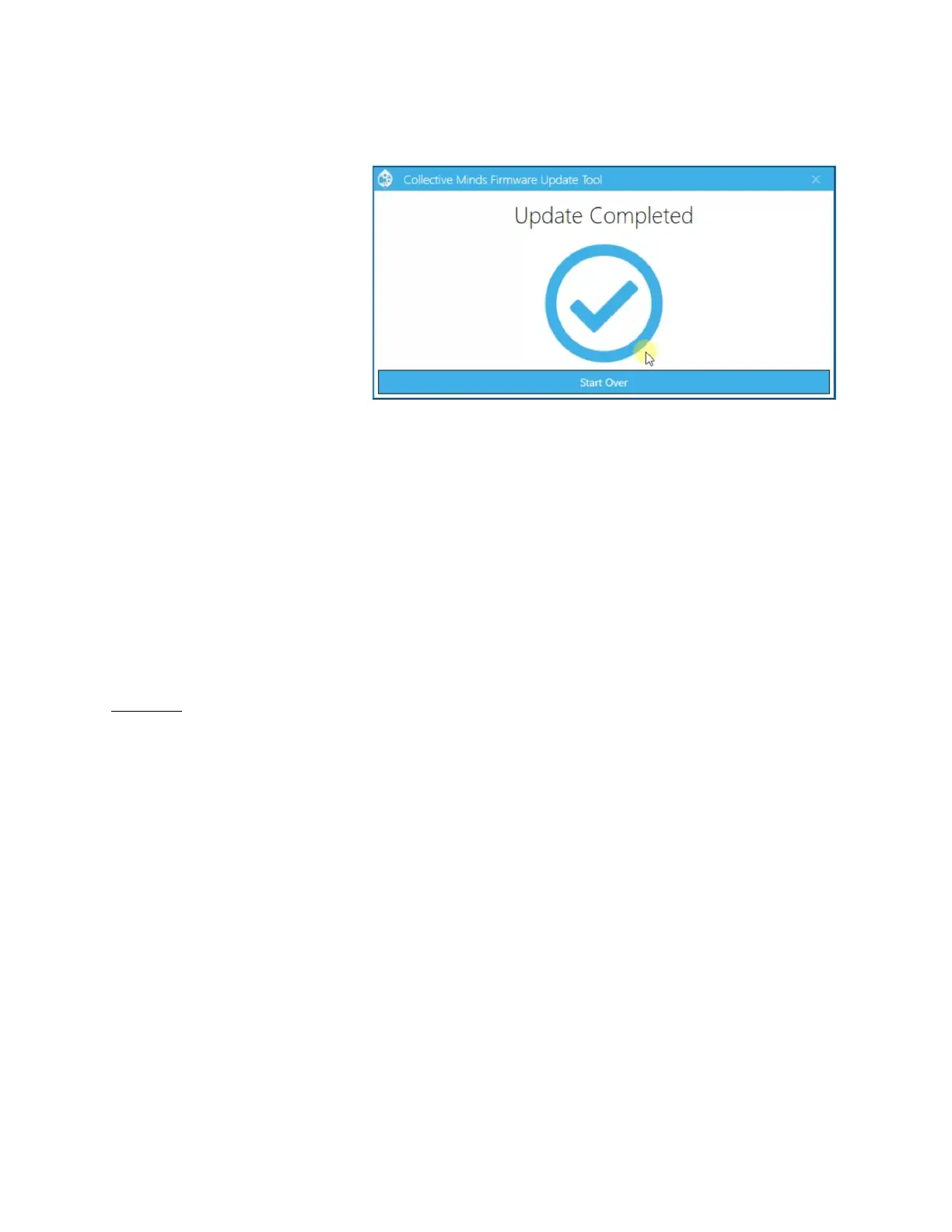
6. When you see
“Update Completed”
you can safely
remove your Switch
Up
TM
device from your
computer and begin
enjoying it.
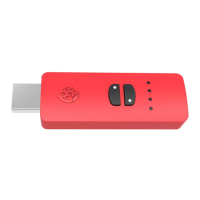
MODE ACTIVATION
There are three modes. Standard Mode, Mario Mode, and Zelda Mode. To select modes
simply PRESS & RELEASE the Mode Select button until it turns RED (Mario Mode) or
GREEN (Zelda Mode) or back to WHITE (Standard Mode).
CONNECTING THE SWITCH UP
TM
AND A CONTROLLER
BEFORE YOU CONNECT THE SWITCH UP
TM
DEVICE TO THE SWITCH
TM
DOCK, YOU
MUST NAVIGATE TO THE SWITCH
TM
“SYSTEM SETTINGS” AND SET “PRO
CONTROLLER WIRED COMMUNICATION” TO “ON”. Not doing so will result in an
“Error Code 2011-0301”, requiring you to disconnect the Switch Up
TM
, then reboot the
Switch
TM
, and then change the setting to “ON”.
The Switch Up
TM
supports Joy-Con
TM
/Switch
TM
Pro/Wii U
TM
Pro/Xbox One
TM
/Xbox
360
TM
/PlayStation 4
TM
/PlayStation 3
TM
controllers. The Switch
TM
will see any controller
you connect to the Switch UP
TM
device, as a Switch
TM
Pro Controller.
With a PlayStation 4
TM
controller connected to the Switch Up
TM
, the TOUCHPAD button
acts as the CAPTURE button for the Switch
TM
.
WIRED CONTROL: The simplest connection of a controller is through a wired
connection. Simply connect your Switch
TM
Pro/Wii U
TM
Pro/Xbox One
TM
/Xbox


 To Next Page