4
You can publish programs and schedules to a player, and also configure player parameters
to adjust the brightness and color temperature of a screen. Before you start it, go to
www.colorlightinside.com to download the installation package of PlayerMaster, and install
PlayerMaster.
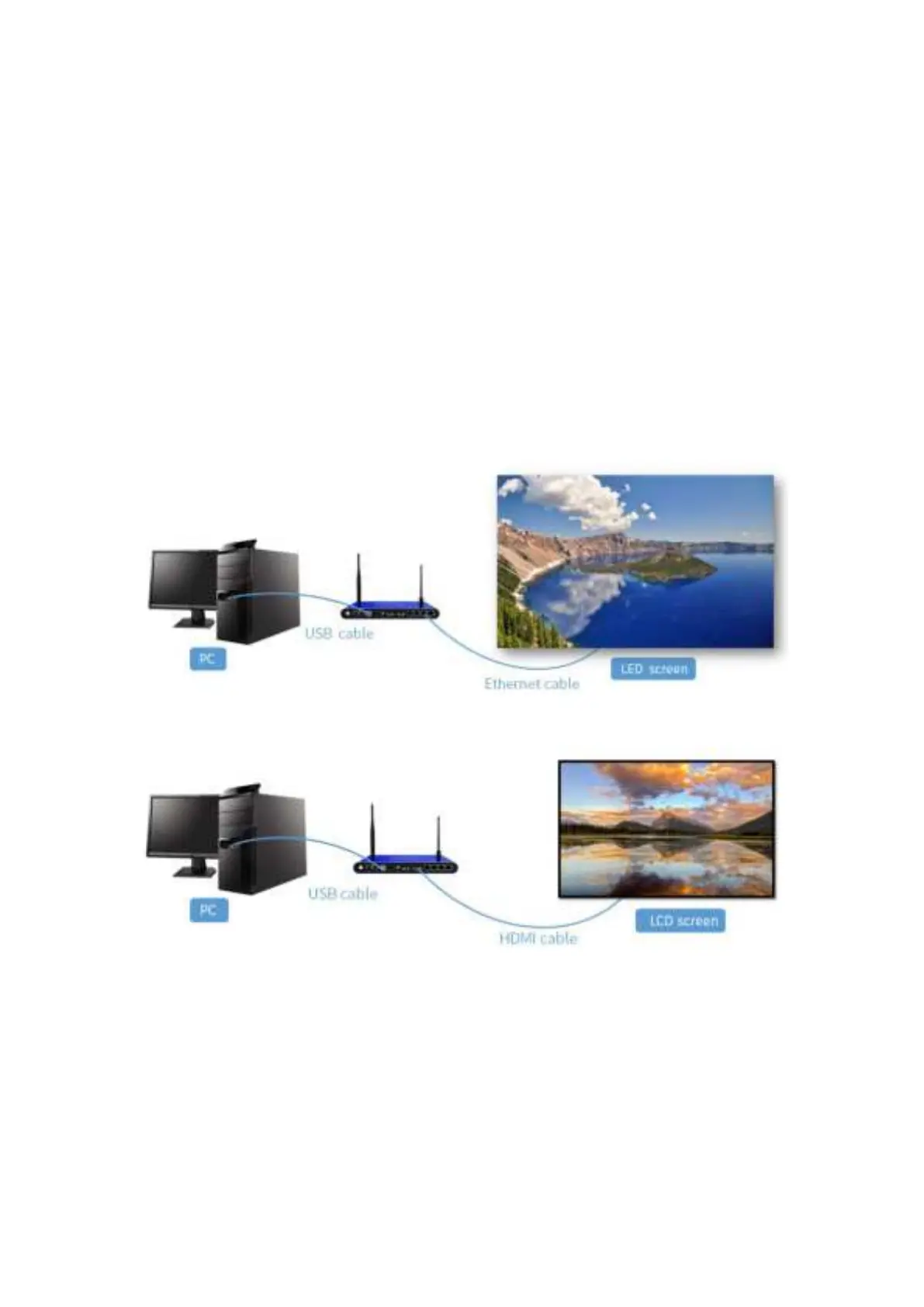
3.1.1 Connect the player with a screen
Before configuring a screen, connect the player to the power, and connect it to a computer
with a USB cable, and then connect it to a LED screen with Ethernet cables, or to a LCD
screen with an HDMI cable.
Ethernet output(Take A200 as an example)
HDMI output(Take A200 as an example)


 To Next Page