8
Display an added Txt file or a manually entered text in a single-line
form
Display an added Txt file or a manually entered text in a
single-column form
Display an added Txt, RTF or Word file, or a manually entered text
in a multi-line form
Display the weather of global cities
Display environment information detected by external sensors
Display time zone, date and time in an analog clock
Display time zone, date and time in a digital clock
Display the content of a website you manually enter
Display a website video program
Display news from a manually entered RSS path
Display the images captured by an external camera
4. Optional: Right-click a page at the left side of the interface and add a page.
A program can contain multiple pages, and the pages will be played in order.
5. After editing the program, click the save icon in the upper-left corner of the window.
6. Click the publish icon in the upper-right corner, select a player or a player group, and
click
Publish
.
If the screen connected to the player display the content you just sent, it means the program
has been successfully published.
3.5 Set player parameters
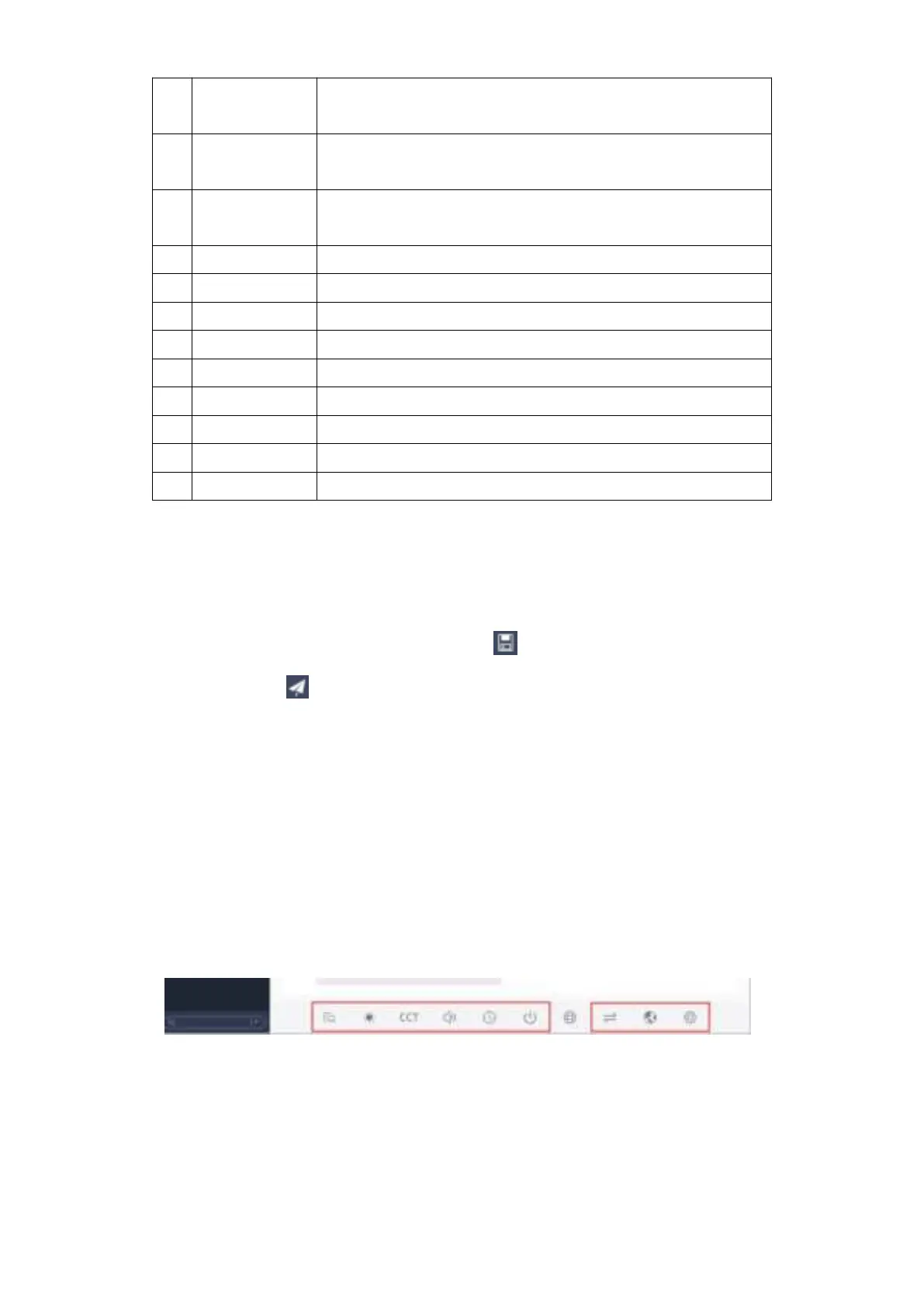
In the “Device” page of PlayerMaster, select a player, and click the icon at the bottom of
the interface to view player schedules, or set brightness, color temperature, volume, device
time and power, or switch signals and languages, or perform advanced settings.
To make programs played at regular time, you can publish program schedules to a player; to
adjust player brightness and color temperature at regular time, you can publish command
schedules to a player.


 To Next Page
 Loading...