EasyManua.ls Logo

Colzer CFT4.0D - User Manual

Colzer CFT4.0D
17 pages
Print Icon
To Next Page IconTo Next Page
Loading...
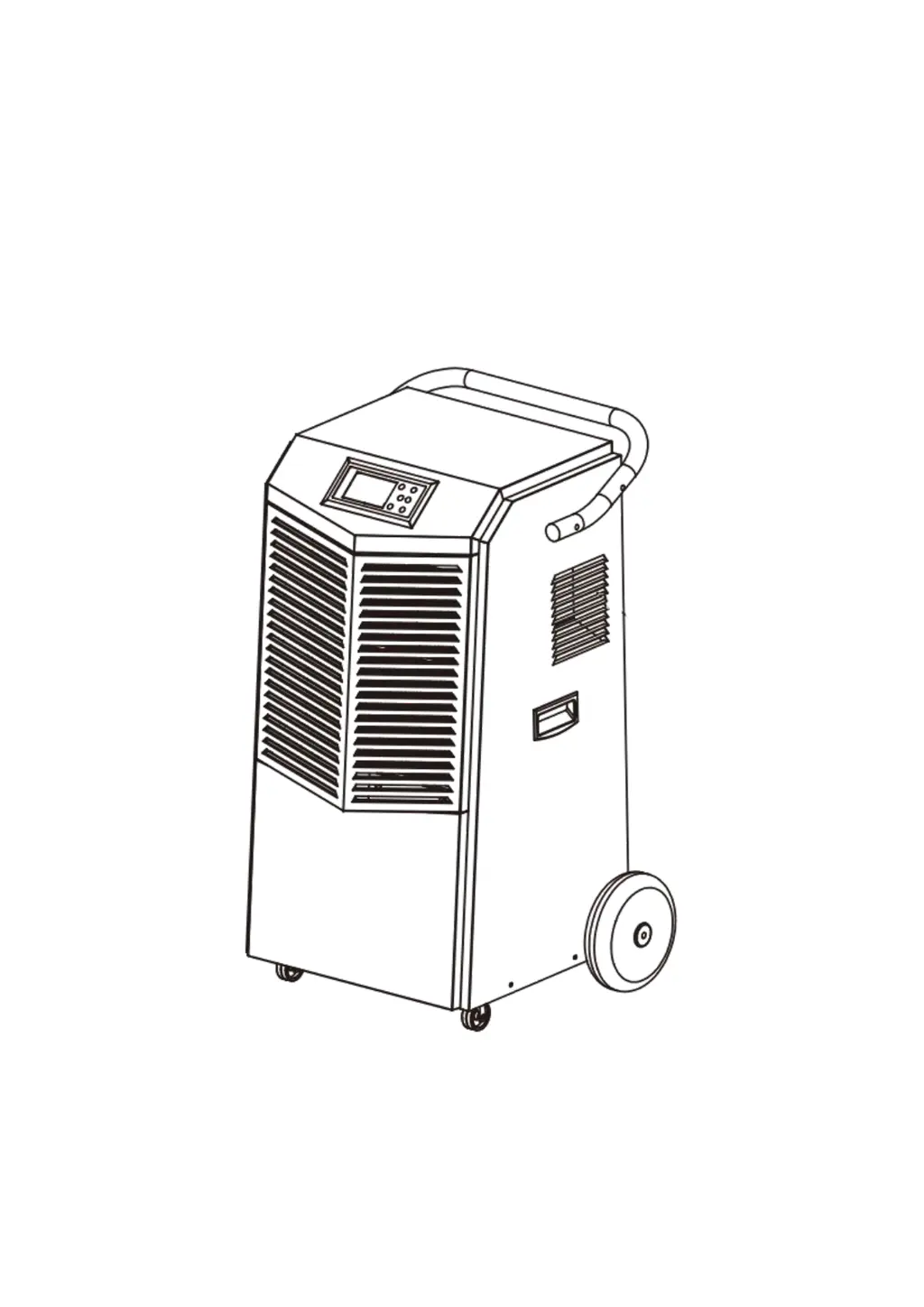
Colzer Dehumidifier
User Manual
Model No.: CFT4.0D
Please read this User Manual before operating and keep safe for future reference.

Questions and Answers

  • J
    Janet RandolphAug 5, 2025
    How to troubleshoot a Colzer Dehumidifier that does not operate?
    • C
      crobertsAug 5, 2025
      If your Colzer Dehumidifier isn't operating, ensure it's properly plugged into a working outlet and turned on. Also, verify that the set humidity level is at least 3% lower than the inlet humidity reading. If an error code is displayed, contact customer service for assistance.
  • S
    Scott CaseAug 15, 2025
    Why is my Colzer Dehumidifier making abnormal noise?
    • S
      Stephanie CoffeyAug 15, 2025
      If your Colzer Dehumidifier is making abnormal noises, make sure that it is placed in a horizontal position. Another potential cause is a blocked filter, so you should clean it.
  • B
    Brittany MeadowsAug 25, 2025
    What to do if Colzer CFT4.0D Dehumidifier collects little water?
    • K
      Kyle OnealAug 25, 2025
      If your Colzer Dehumidifier isn't collecting much water, allow it more time to operate. Check if the filter, air inlet, or outlet are blocked and clear any obstructions. Low ambient temperature can also be a factor, so try heating the room. Finally, inspect the condensate hose for any restrictions.

Summary

Welcome

SAFETY INFORMATION

PARTS IDENTIFICATION

OPERATION INSTRUACTIONS

Install the Handle

Steps to attach the handle to the dehumidifier.

Position Your Dehumidifier

Guidance on where to place the dehumidifier for optimal performance.

Set Up the Drainage

Instructions for connecting the drain hose for water removal.

Plug in Electrical Cord

Information on connecting the power cord and initial setup.

Understand the Control Panel

LCD Screen Display

Explains the readings and icons displayed on the LCD screen.

Control Buttons

Details the function of each button on the control panel.

General Operation Instructions

Turn the dehumidifier on

Steps to power on the dehumidifier using the power switch.

Set a desired humidity percentage value

How to adjust the humidity setting and confirm it.

Turn the dehumidifier off

Instructions for safely powering down the dehumidifier.

Timer Setting

Smart Functions

3 Minutes Compressor Delay Mechanism

Explains the 3-minute delay before compressor starts to prevent damage.

Auto Defrost

Describes how the unit defrosts evaporator coils when frost builds up.

Auto-Restart

Details the automatic restart with previous settings after a power outage.

Temperature Protection Function

Explains high/low temperature protection modes and display messages.

MAINTENANCE

Cleaning the Dehumidifier

Instructions for cleaning the exterior body of the dehumidifier.

Cleaning the Air Filter

Steps for removing, cleaning, and reinstalling the air filter.

When Not Using dehumidifier for Long Periods of Time

Procedures for storing the dehumidifier when not in use for extended periods.

TROUBLE SHOOTING GUIDE

Error Codes

Lists and explains various error codes displayed by the dehumidifier.

Reset

Steps to perform a reset operation on the dehumidifier.

Troubleshooting Chart

A chart detailing common problems, their possible causes, and solutions.

WARRANTY

Colzer CFT4.0D Specifications

General IconGeneral
BrandColzer
ModelCFT4.0D
CategoryDehumidifier
LanguageEnglish

Related product manuals