58
4. Record the original settings so that they can be
restored after RF500 conguration.
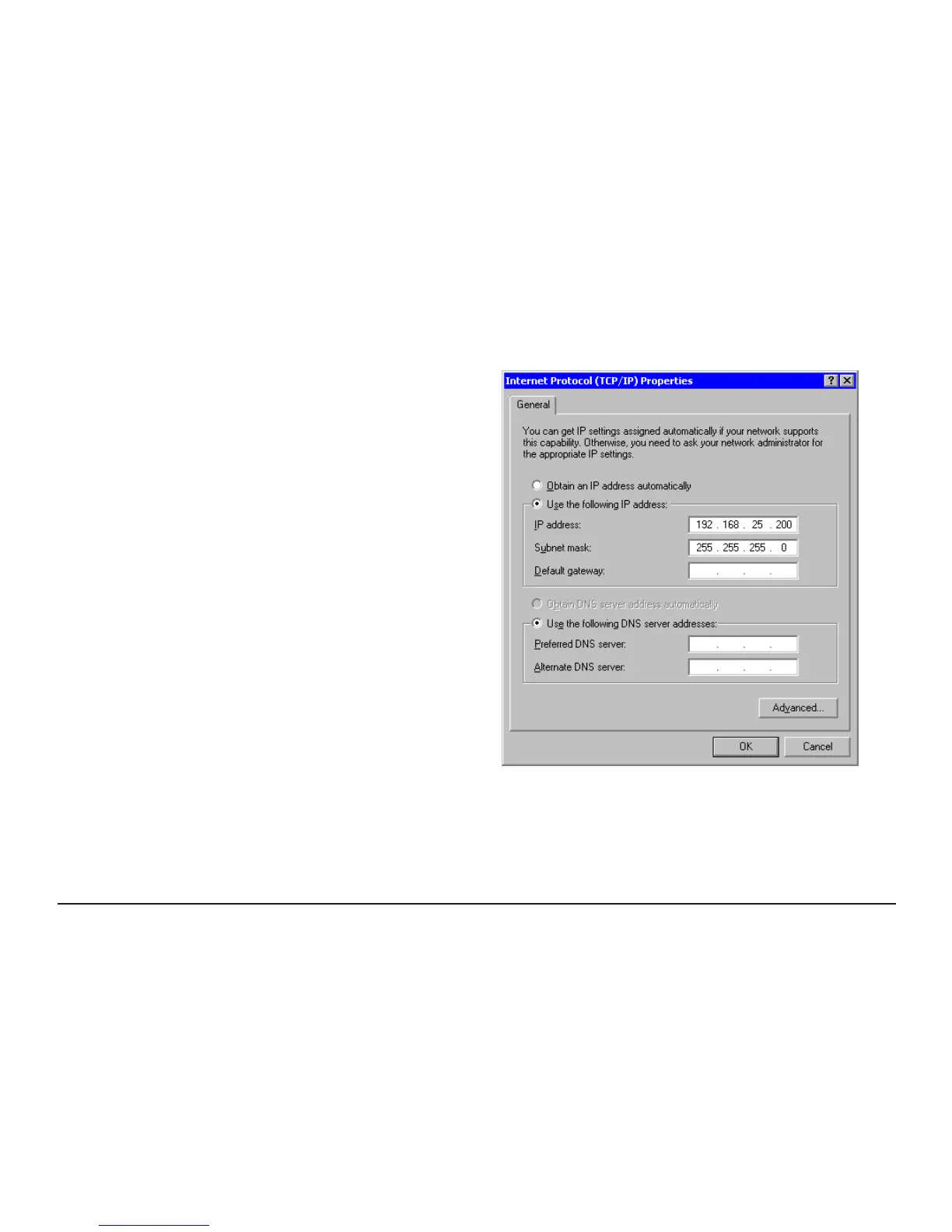
5. Select the Use the following IP address button.
6. Enter the following IP address: 192.168.25.200.
7. Enter the following subnet mask: 255.255.255.0
then click OK.
The Computer is now setup to use a xed IP address.



 To Next Page