57
Appendix B - Setting a Fixed IP Address
The following instructions detail the Windows 98, ME, 2000 and XP procedure for setting a computer to a xed
IP address.
1. Go to the Windows control panel and
double-click the Network icon or the
Network Connections icon.
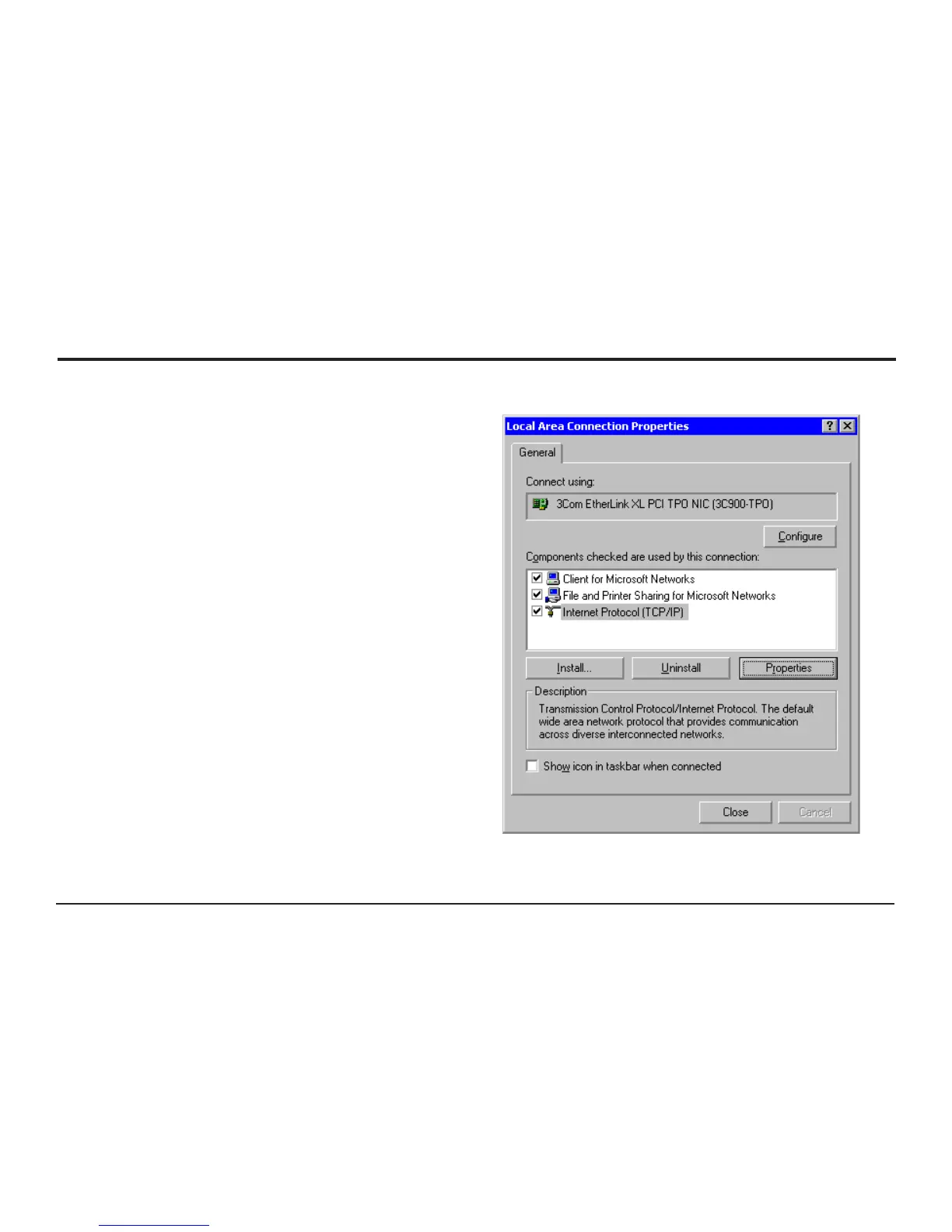
2. Right-click on the “Local Area Connection”
and select Properties
3. In the General Tab select the “Internet Protocol
TCP/IP” item and click on the properties button.
Figure 22 - Local Area Connection Properties



 To Next Page