7
Cancelling the actuator function:
1. Enter “0” and “E” (start programming procedure code).
2. Check that the LED has lit up.
3. Enter the supercode (see "Entering the supercode"), then da “E”.
4. Enter the number “7” ("actuator" function) followed by “E”.
5. Enter “0” and “E”
6. The LED should now turn o.
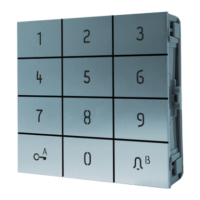
ENABLING THE “KEY” BUTTON
Short-circuiting terminals CK and -, for example via a timer, makes it possible to activate relay 1 without entering the relay
code but by simply pressing the “key” button
REMOTE KEY INPUT (RK)
Closing this contact with ground activates relay 1 for the set time (see "Programming the relay 1 activation delay for a
remote key input" ). The contact can be connected remotely up to 20 m max.
Example
Programming the actuator function:
• 0 E start procedure
• 12345 E supercode
• 7 E actuator function
• 1 E relay number
• 10 E relay closure time



 To Next Page