1. lntercom:
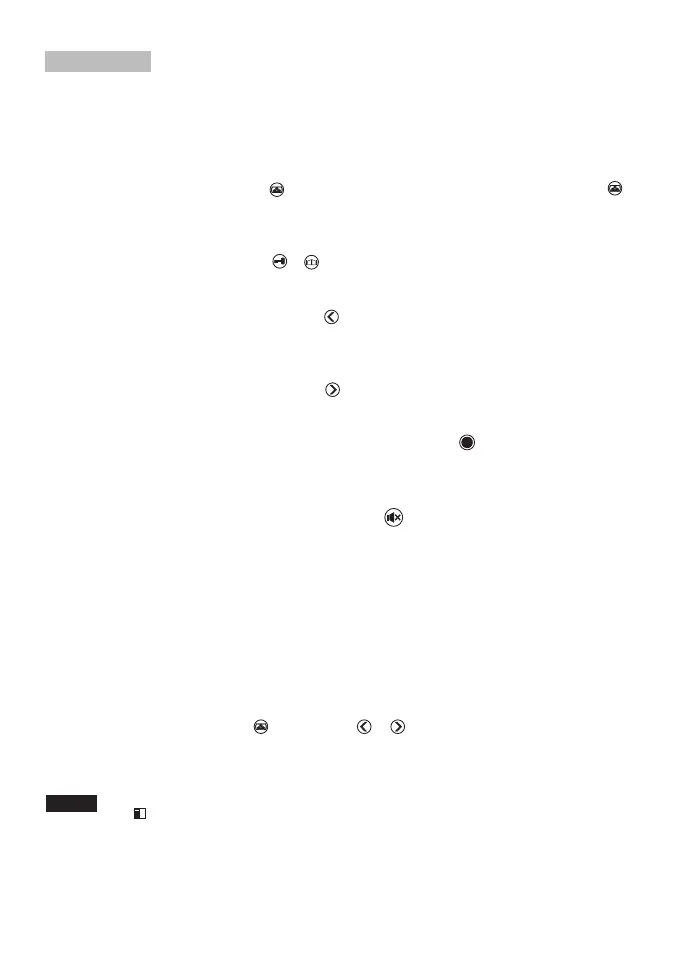
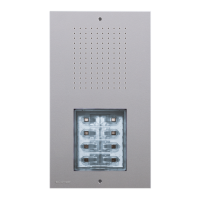
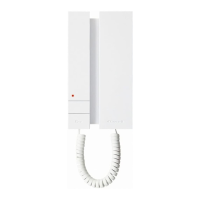
When a visitor press the call button of outdoor panel, The monitor will give a sound. Press the
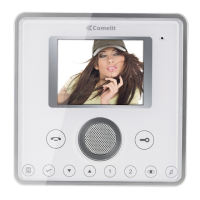
button, to answer and talk to the person outside,
2. Monitor:
Under the standby status, Press the button, The screen firstly displays the picture of the
outdoor panell.
3. Unlock:
After identifying the visitor, press the or button to open the door/gate for the visitor.
4. Adjust the ring volume:
Under the standby status. Keep on press the button about 2 seconds to adjust the ring
volume.
5. Setting the bell tone:
Under the standby status. Keep on press the button about 2 seconds lo select beli Ione.
6. lntercom (For extended indoor-monitor)
When the whole system is on a standby status, Keep on press the button to activate internal
calling.
7. Mute (e.g. if night-time quiet is required):
The bell tone can be deactivated. To do this, press the button, the LED flashes to remind
you that the tone is deactivated.
8. Take photo / Playback:
- When the call button is pressed, the device automatically takes a photo. System memory can
store up to 100 photos.
- If the memory is full and no memory card is inserted,the first photo will be overwritten
automatically
- If the memory is full and memory card is inserted, all photos im the memory will be moved to
the memory card
9. Playback:
While in standby mode Press the button . Press or button to view previous /next the
photo.
Operation
Note:
When there is the photo has been not preview, in the upper left corner of the screen will pop up
icon .


 To Next Page