25
Esee User Manual
1. Connect DVR with network, make sure network working fine
2. For remote view in computer, go to www.dvrskype.com or www.e-seenet.com
Do the following setup before you log in Esee on computer
Note: Internet Explorer setting. If use it for the first time and the software can't load, then need to make
the following setting: Internet options Safety-Internet Custom options pick Active X and plugin
all for opening, click ok.
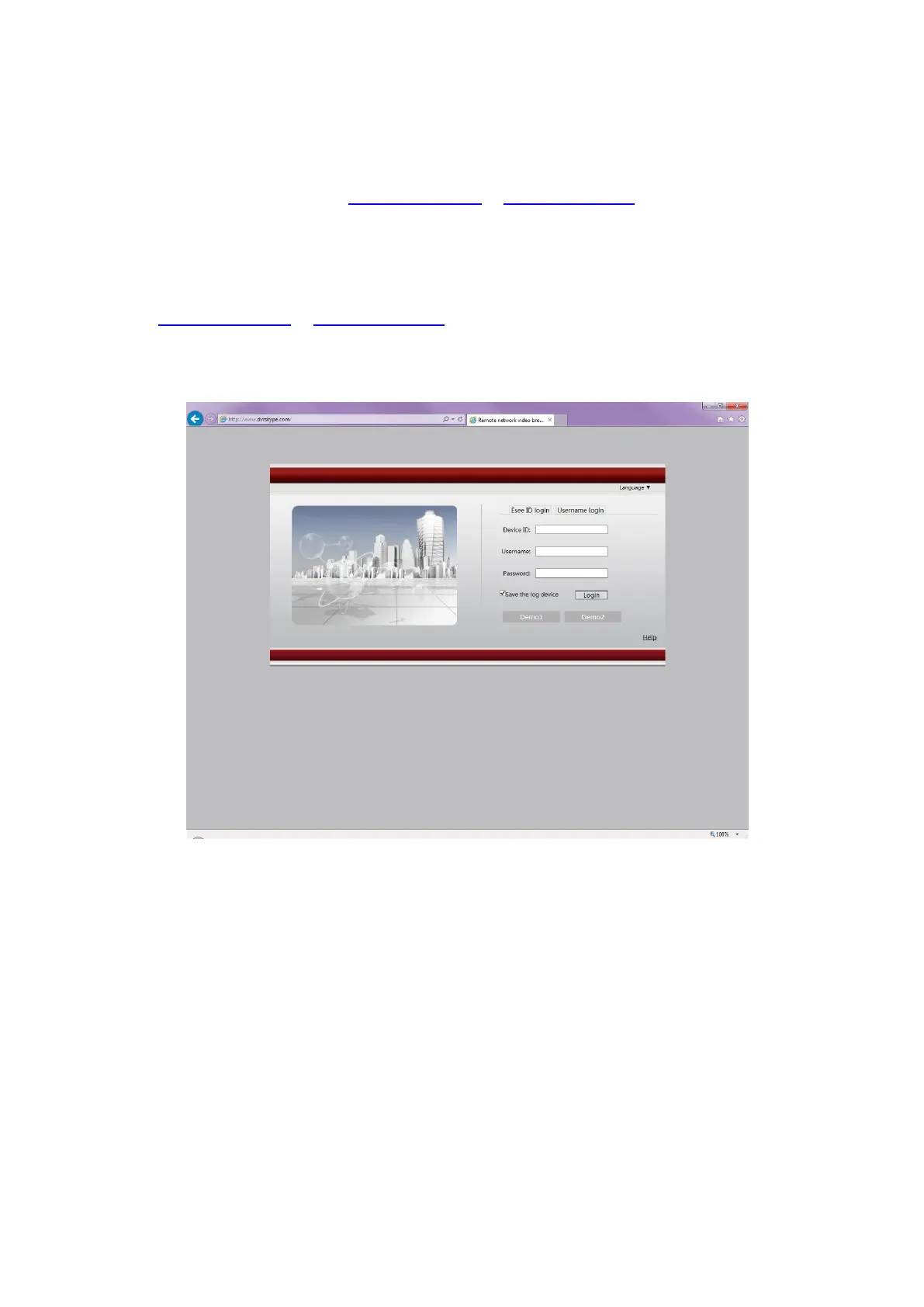
4. Go to www.dvrskype.com or www.e-seenet.com,input Esee ID, user name and password, this user name
and password is same with DVR user name and password
Note: the default user name is admin, no password
Remote Video Viewer
After connecting, remote video viewer includes: preview window, PTZ control, preview mode, stream
option, channel on/off, setting, configuration, playback, user logout, as below:



 To Next Page