7
Playback toolbar
Select the playback file or time playback file, it will turn into video playback interface.
Playback toolbar : it will show below the playback interface. Each channel can magnify or narrow by
clicking the left mouse .
Stop play:click to stop the video and turn back to playback interface.
Pause/play: click can pause the playback video, click can continue the playback video.
Fast forward:click can fast forward the video, also times fast forward the video by click the
button again.
Exit playback:click “ESC” or can exit the playback video; or exit until all file have been played.
Manual Record
In the shortcut menu, click manual record or click 【REC】 to enter the setup the manual record
interface.
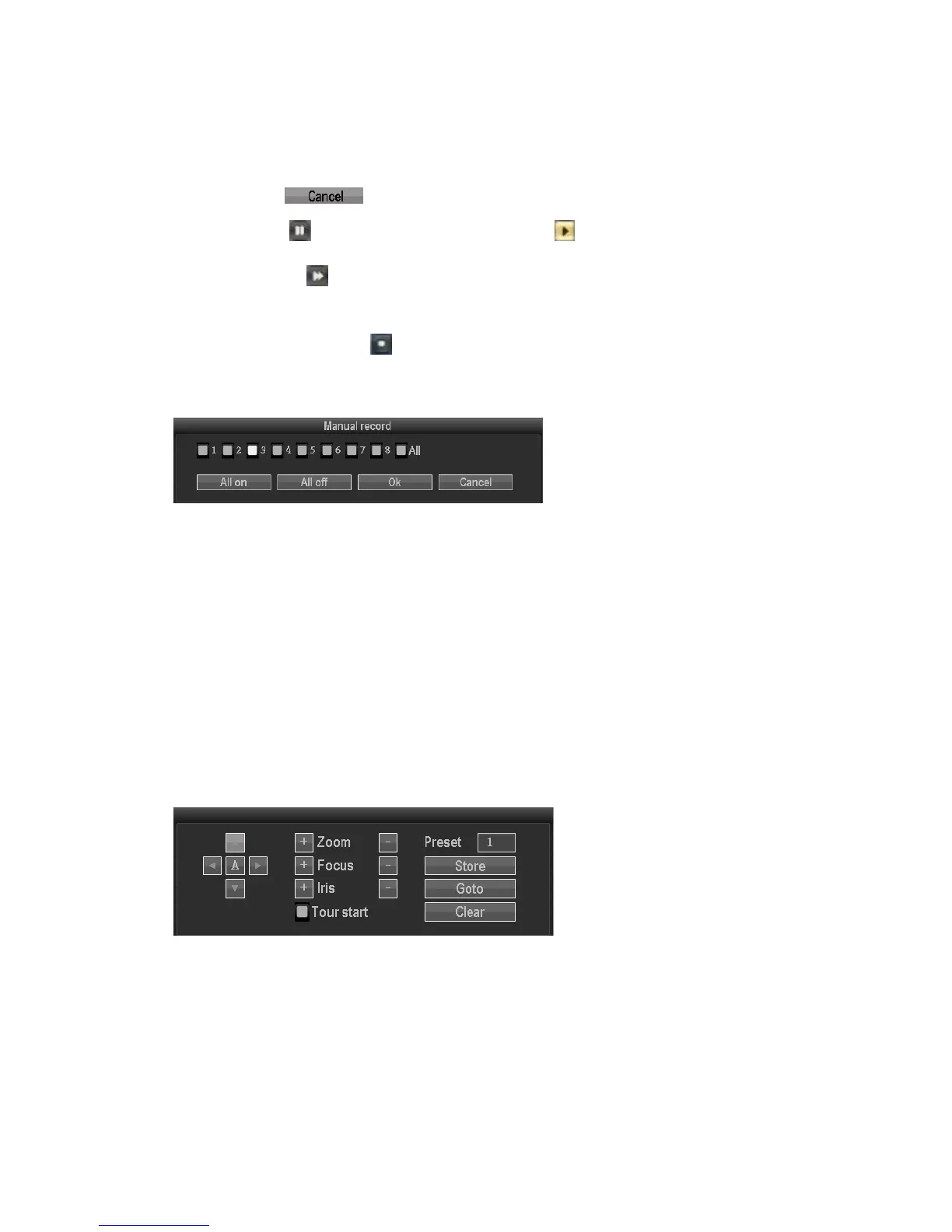
Manual record menu illustration
Manual record menu include several parts:
Channel:☑”means open;“□”means close.
All on:start all the channel.
All off:close all the channel.
OK:confirm an exit
Cancel:click cancel can exit the manual record interface and back to main menu.
PTZ control
Choose the "PTZ control" from shortcut menu .
PTZ control menu including: direction control; auto pan scan; zoom; focus; Iris; speed.
Setup
Click "Setup" in the shortcut menu, the first class menu including: video playback, video
backup, system setup, system tools, system info, system logout.
Video playback
That is the playback interface in shortcut menu



 To Next Page