16
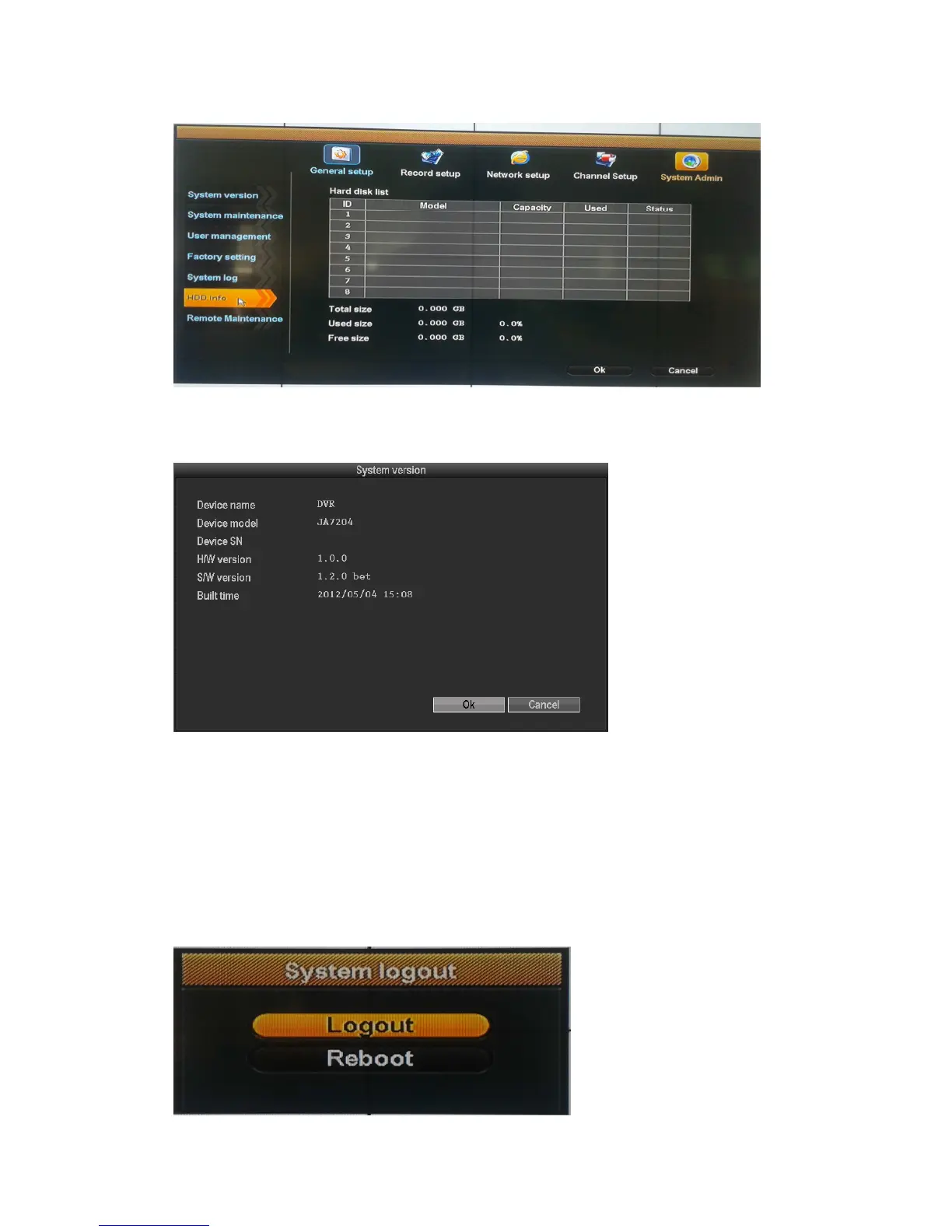
HDD info
The listbox shows the HDD status information
System version
Device name ,device model, H/W version, S/W version could be checked here.
System log
Choose the log type which need to check from listbox, and input the time period in the editbox, then
click "search", the related log information will showed below, you can turn the page by click
"previous" and "next" or input target page to turn
System logout
In the main menu, click "System logout", popup setting interface



 To Next Page