5
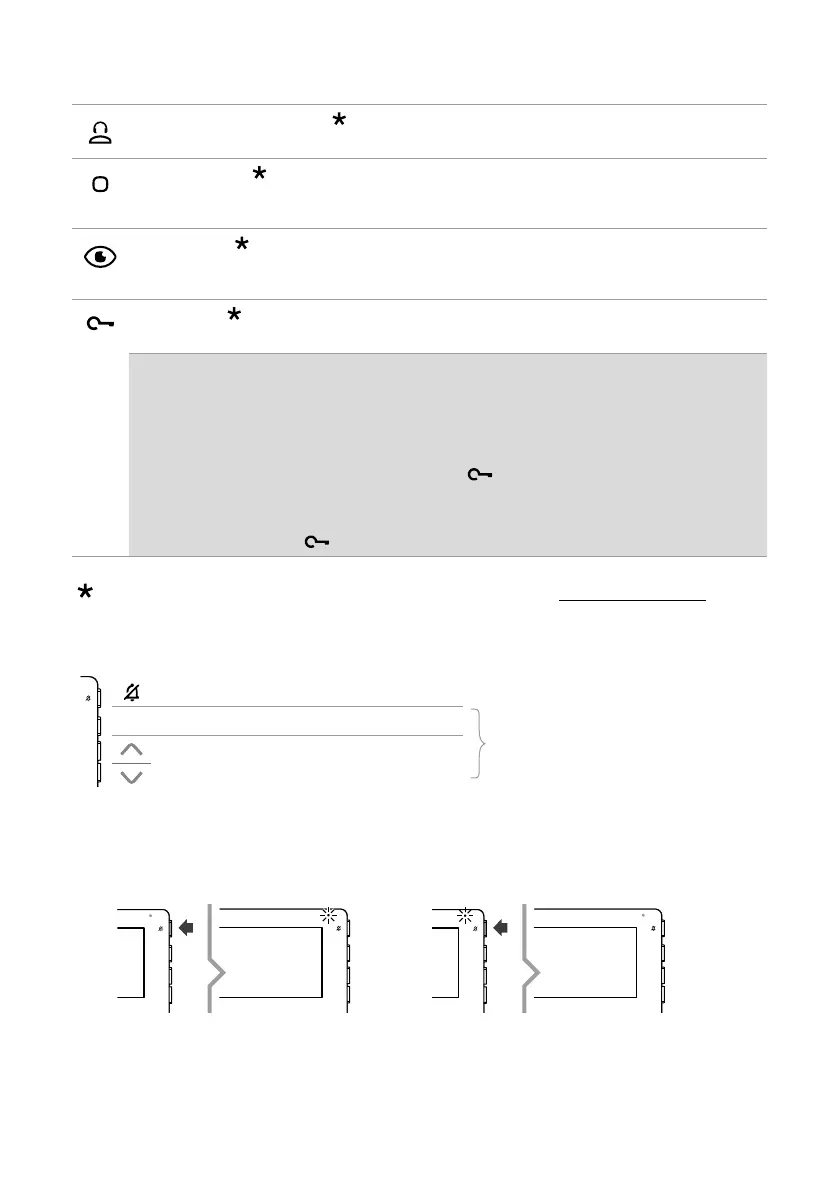
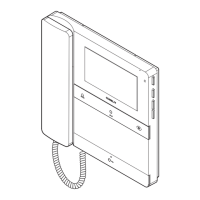
Front buttons - factory programming
Standard call to switchboard
f Press the button to send a call to the porter switchboard.
Generic actuator
f Press the button to activate a generic actuator (art. 1256) or the relay for the external entrance
panel.
Self activation
f Press the button to access real-time viewing of the images on the outdoor entrance panel
camera.
Lock-release
f Press the button to activate the door lock.
Door opening on call
This button can also be used to enable “Automatic lock-release on receipt of call”, which allows
automatic activation of the lock-release relay on receipt of a call originating from the external
entrance panel.
√ The function must be authorised by the installer via the MyComelit app.
f When the door entry monitor is in standby, press
for 5 seconds to enable/disable
“Automatic lock-release on receipt of call” mode.
» A confirmation tone will play.
» The steadily lit LED
indicates that the function is active.
To change the factory programming for the buttons, please refer to the chapter Programming on page 17.
Side buttons
Button for activating “Silent mode”
OK Confirm button
Menu access and navigation button
Buttons for scrolling menus and selecting
values
ACTIVATING “SILENT MODE”
f Press the button to activate/deactivate Silent mode.
» The red LED indicates that the function is active.










 To Next Page