Consumables Installation
1. Face the back of the printer,hole down the paper guide with both hands to adjust
the guide space according to the paper size;
2. Insert the thermal paper into the paper guide;
3. Feed the thermal label into the paper channel slowly, and the paper will
automatically absorbed by detector;
- ------------------------------------------------------------
- ------------------------------------------------------------
4
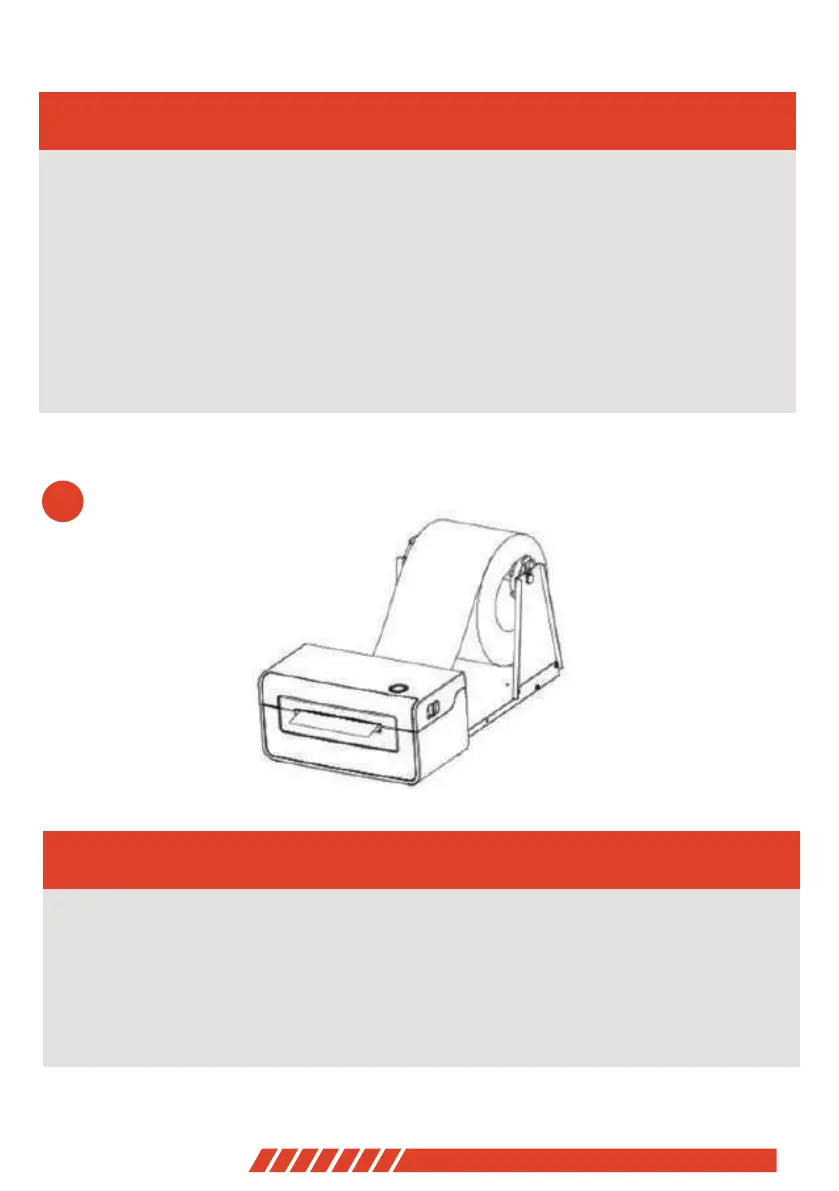
Outside-scroll Installation
1. Make sure the thermal label paper is in place, the machine can automatically
absorb the paper into a small part;
2. The hook of the external paper roll holder needs to be aligned with the hook of
the bottom of the printer;
- ------------------------------------------------------------
05


 To Next Page