Introduction
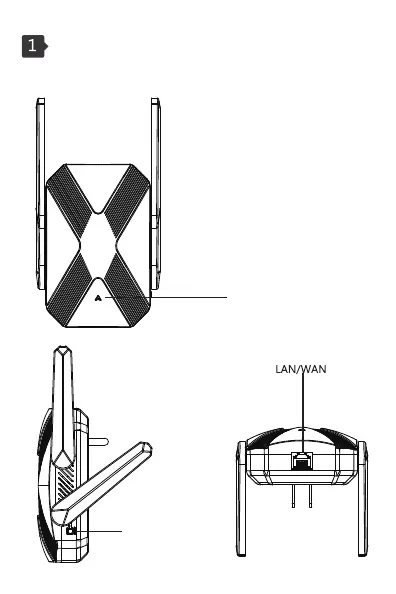
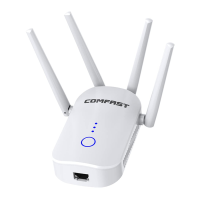
1.1 Product Structure:
WiFi status light
Steady red indicates that the trunk is on and the signal is weak
Steady blue indicates that the trunk is on and the signal is strong
Steady green indicates that the trunk is not connected
Tip: Turn on 2.4G wps for 1-2 seconds
Start 5.8GB wps in 2-5 seconds
5 seconds or more to reset the device
WPS/RESET



 To Next Page