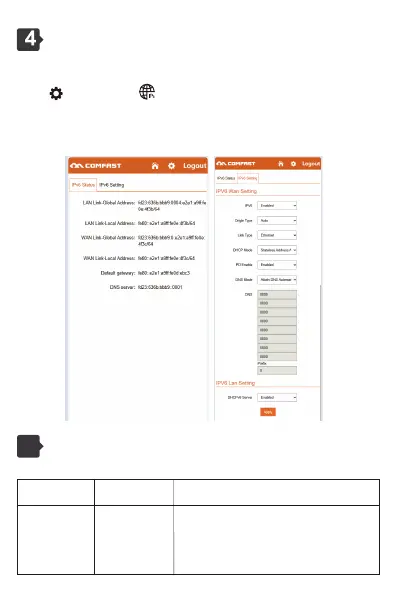
IPV6 Setting
Light control status
4.1 IPV6 Settings: Support DHCPV6 client and static IP functions, and
enable DHCPV6 client functions by default
Click and select the IPV6 Settings page.
IPV6 status: Displays information about the IPV6 address obtained by
the device.
IPV6 Settings: Set IPV6 LAN and WAN information.
5
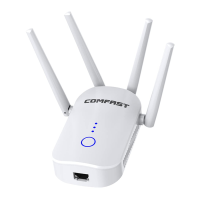
Relay status light
Blue light is
always on
Steady red indicates that the trunk is on and the signal
is weak
Steady blue indicates that the trunk is on and thesignal
is strong
Steady green indicates that the trunk is not connected
AP/Route Mode Trunk



 To Next Page