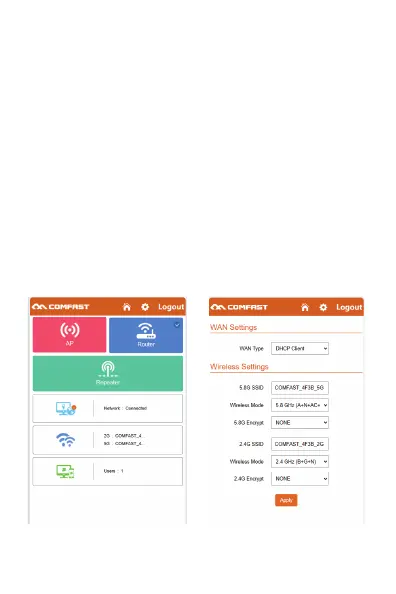
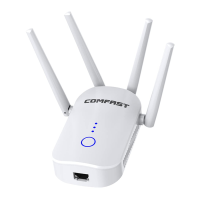
3.5 Routing Mode Setting: Enter the software management page, only
the routing mode is displayed, click the routing mode, which can select
"PPPoE", "static IP" and "dynamic IP" three Internet access parties
1, PPPOE dial-up mode: In this mode, you need to fill in the Internet
account and password provided by the network service provider. The
following can be set 2.4G/5.8G wireless SSID name and wireless
password.
2, static IP mode: This mode needs to fill in the IP address provided by
the network service provider to you, subnet mask, gateway, primary
DNS address, the following can be set 2.4G/5.8G wireless SSID name,
wireless password.
3, dynamic IP mode: In this mode, the WAN interface is assigned an IP
address by the upper-layer network device to access the Internet. The
following can be set 2.4G/5.8G wireless SSID name.



 To Next Page