(1) To reset the clock, please repeat step 1 to step 3.
(2) The clock is a 12-hour display. If the clock is not set, it will not work when powered.
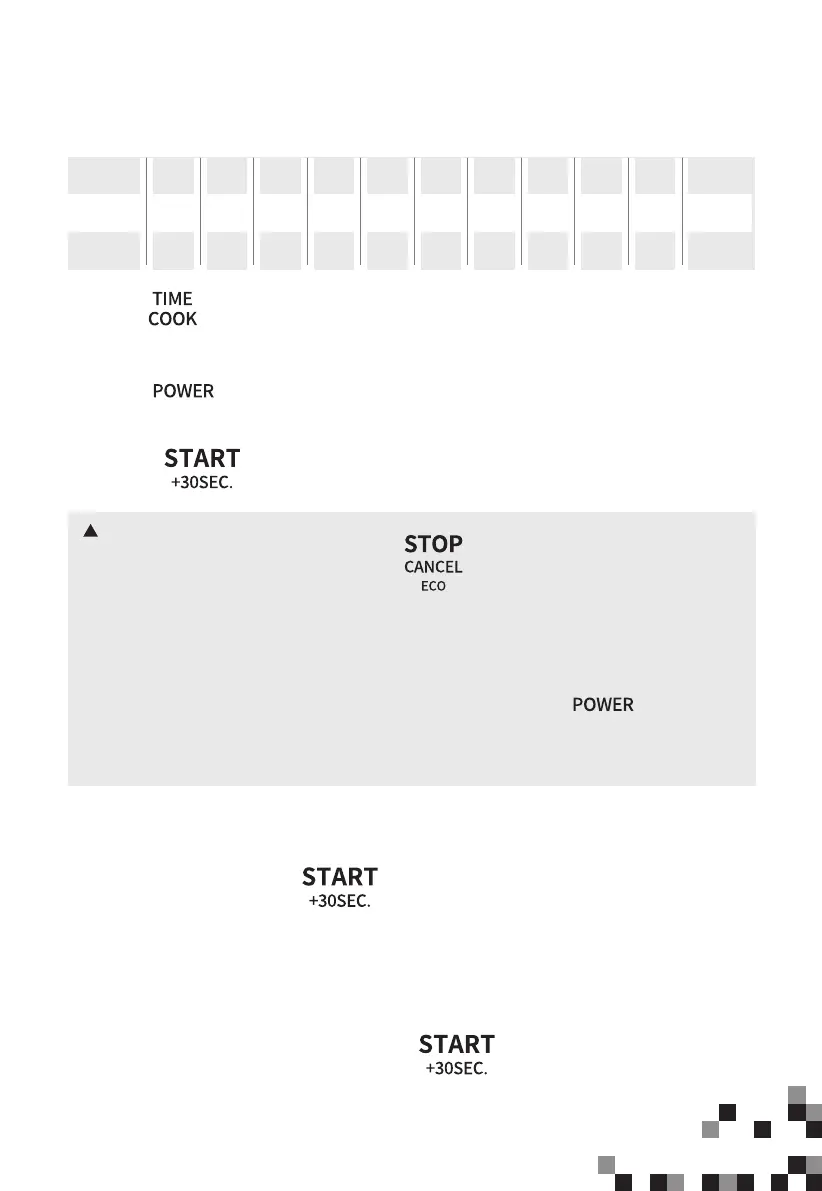
(1) Press “ ” once and then “00:00” will display.
(2) Press the number keys to set the cooking time. The maximum time value is “99:99”.
(3) Press “ ” once, “PL10” will display.
(4) Press the number keys to set the power level. The 11 power levels are available.
(5) Press “ ” to start cooking.
Microwave Cooking
4.
5. Speedy Cooking
11 power levels are available.
Power
Display
90%
PL9
80%
PL8
70%
PL7
60%
PL6
50%
PL5
40%
PL4
30%
PL3
20%
PL2
10%
PL1
0%
PL0
9 8 7 6 5 4 3 2 1
0
Level
100%
PL10
10
NOTES
(2) If "PL0" is selected, the oven will work with a fan for no power. You can use this
level to remove the odor of the oven.
(3) The power level can be changed during operation. Press “ ” once and
then the current power will display for 3 seconds. Press the number keys to
change the power. The oven will work with the selected power.
(1) In standby mode, press “ ” to cook food at 100% power level for
30 seconds. Each press on the same key can increase 30 seconds and the
maximum time value is “99:99”.
(2) In standby mode, pressing the number keys 1 to 6 lets you quickly start a cooking time
from 1 to 6 minutes. Then you can press “ ” to increase the cooking
time. The maximum time value is “99:99”.
(1) Opening the oven door or pressing “ ” during operation will interrupt
the current mode.






 To Next Page