SETUP CONTROL BOX
+
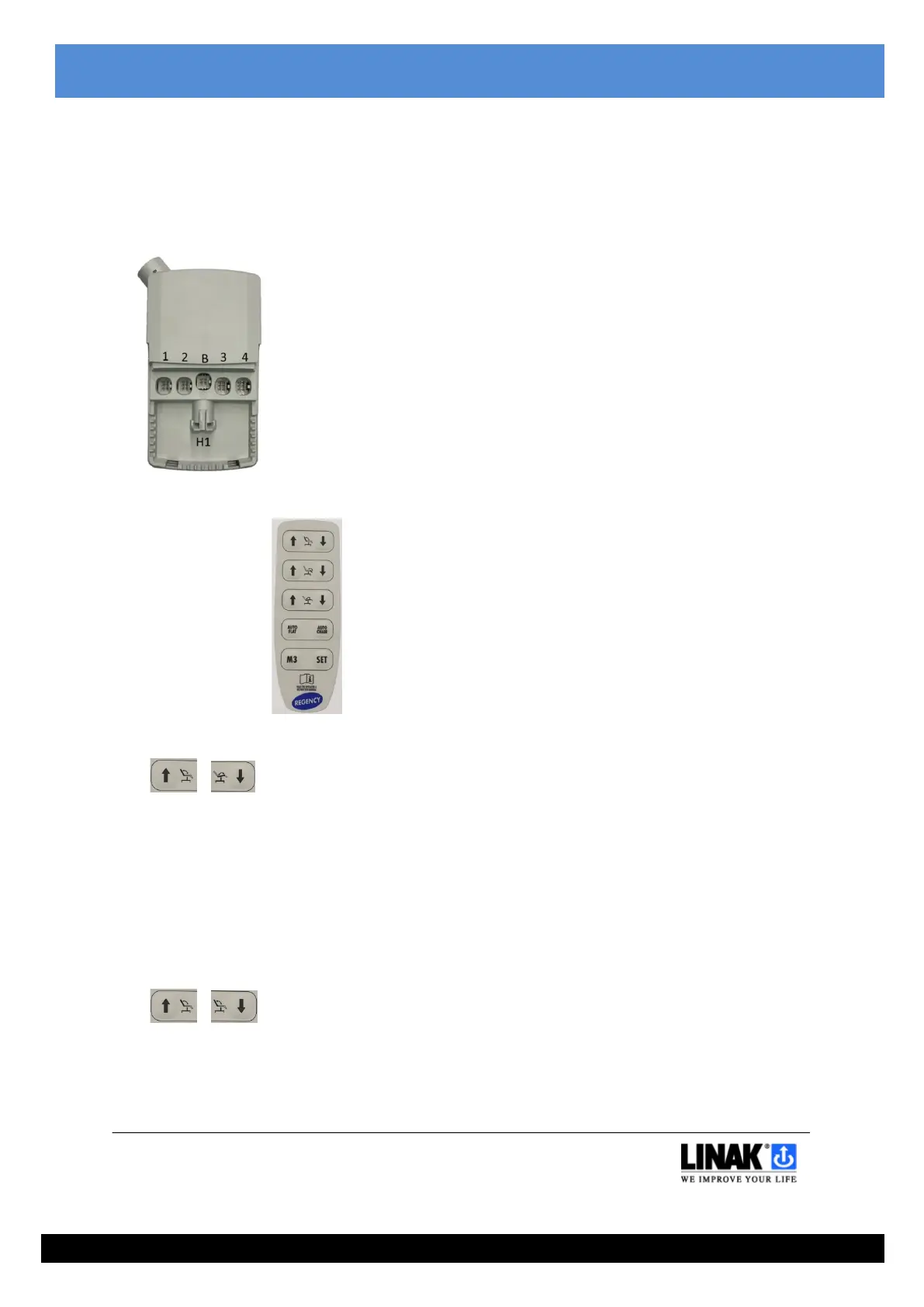
This function must be performed when running a chair for the first time, when replacing a Control Box or when adding to or removing an
actuator from the chair.
The function will automatically detect the actuators connected and run all connected actuators through a cycle of initialisation and stroke
length checking.
Only actuators detected during this process will be able to work.
The Auto Chair and Auto Flat functions will be setup during this process.
If the Control Box has already been setup and you wish to add or remove an actuator, the buttons must be held for approx. 10 seconds before
movement starts.
Please note that if you have started but not completed the setup process, all functions will be disabled.
Simultaneously press and hold the BACK REST UP and SEAT TILT DOWN buttons until all connected actuators have run fully OUT and then fully
IN at least once.
During movements, the control box may buzz POSITION LOST.
To indicate that all movements are complete, the control box will buzz CONFIRM.
INIT ALL
+
To be used after an actuator and/or actuator cable replacement.
Simultaneously press and hold the BACK REST UP and BACK REST DOWN buttons.
The Leg Rest actuator will drive fully DOWN, then drive UP a few mm.
The Back Rest and Seat Tilt actuators will drive fully UP, then drive DOWN a few mm.
During movements, the control box may buzz POSITION LOST.
To indicate that all movements are complete, the control box will buzz CONFIRM.


 To Next Page
 Loading...