INSTALLATION POWER UP SETUP USAGE GUIDE ADVANCED MENUS
INSTALLATIONPOWER UPSETUPUSAGE GUIDEADVANCED MENUS
ad v a n c e d In s t a l l e r co n f I g u r a t I o n Me n u
24
13
th e r M o s t a t se t -u P
th e r m o S t a t Se t -u P oP t i o n S
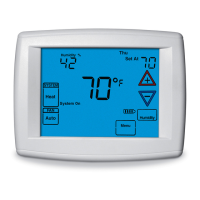
The Thermostat has options that can be selected and adjusted. These options are in the
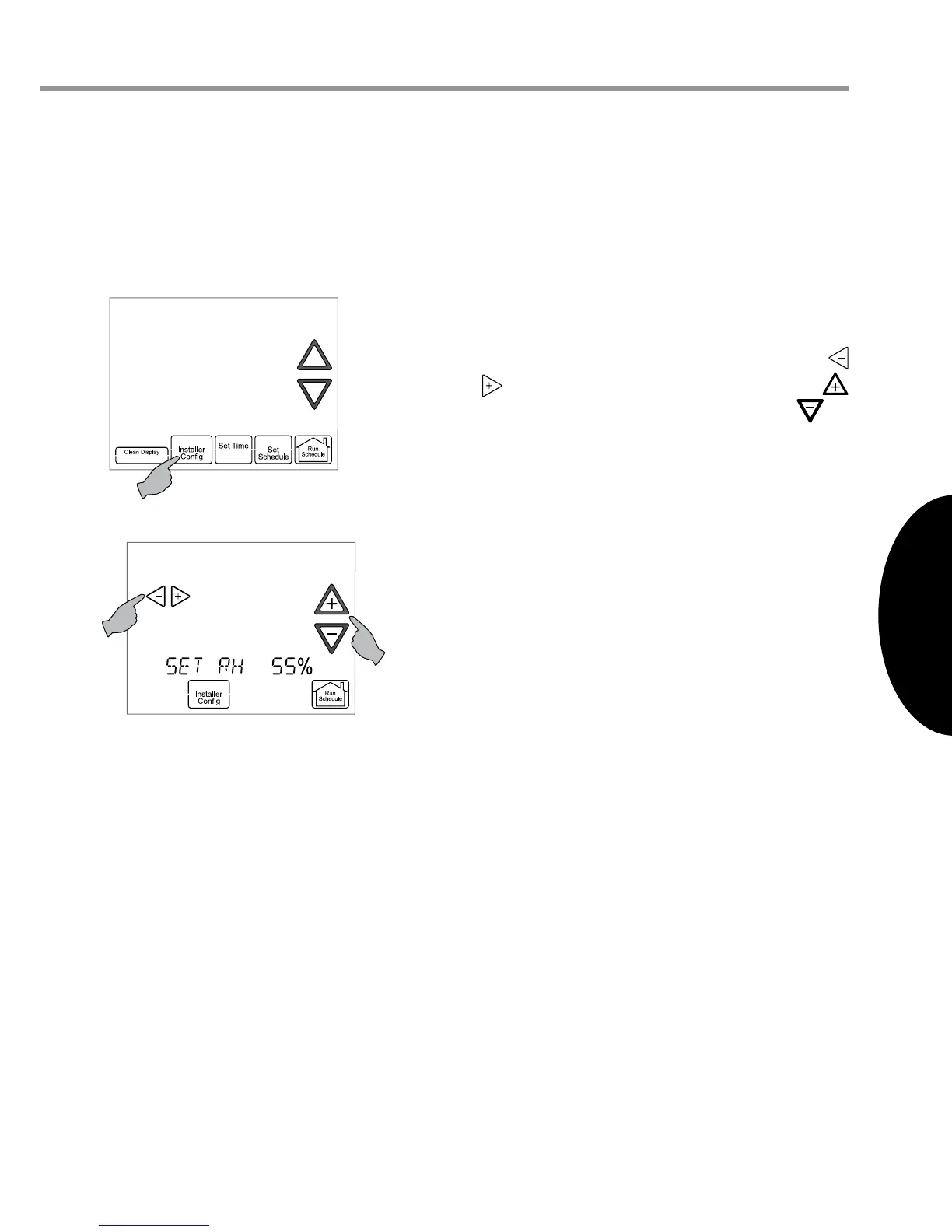
Thermostat Options Conguration Menu. To enter the menu from the Home Screen Dis-
play, touch the Menu key to display additional key choices.
Touch and hold for 3 seconds the Installer
Cong key. This displays the rst menu
item as shown in the next step. Touch
or to change a menu option. Touch
to advance to the next menu item or to
return to the previous menu item.
Select On Demand Dehumidication
setting. Default is OFF. It can be set in the
range of 40 to 94%. Above 94% is the OFF
setting. Ideally, the indoor humidity should
be set in the range of 40 to 60%.
When On Demand Dehumidication is
selected On, the thermostat will indicate
the current humidity on the home screen.
The display will show RH with the humidity
%. If the current humidity is above the
selected setting, the thermostat will send
an On Demand Dehumidication request.
On Demand Dehumidication improves
the comfort level in your home by reducing
the humidity level. This is accomplished by
slowing down the system fan speed and
lengthening the run time. The humidity
setting may not be reached before the call
for cool has been satised as the system
priority is to maintain the temperature in
the home.
th e r m o S t a t uS e r me n u S
Se t -u P
Sub-menu Item User Modiable Options Comments
Outdoor
Temperature Display
(od TEMP)
ON = OD Temp is displayed
continuously
bL = Alternates OD temp
and time
OFF = Time is displayed
continuously
Resistance Heat
Disable Temperature
(AUX HT LOCKOUT)
From heat pump disable
temperature to 95˚F in 5˚F
increments
Available only for air handler + heat
pump systems. Disables electric
resistance heat above the selected
temperature.
Heat Pump Disabled
Temperature
(HP BAL PNT)
OFF or 0 to 50˚F in 5˚F
increments
Available only for air handler + heat
pump systems. Disables heat pump
below the selected temperature.
Balance Point
Temperature
(df BAL PNT)
OFF or 0 to 50˚F in 5˚F
increments
Available only for furnace + heat
pump systems (dual fuel systems).
Switches from heat pump to fossil
fuel equipment (furnace) below the
selected temperature.
System Test
(TEST SYSTEM)
NO or YES Starts a system test that steps
the system through the available
system modes of operation.
St a t u S
Sub-menu Item Indication (for Display Only; not User Modiable)
Conguration
(CONFIG)
Displays the actual system conguration (1-stage, 2-stage,
dual fuel, etc.)
Operational Status
(STATUS)
Displays the current operating status for the thermostat


 To Next Page