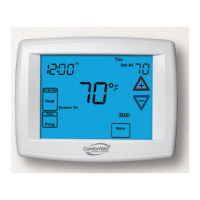
Operating Manual
8
69-2687EFS—01
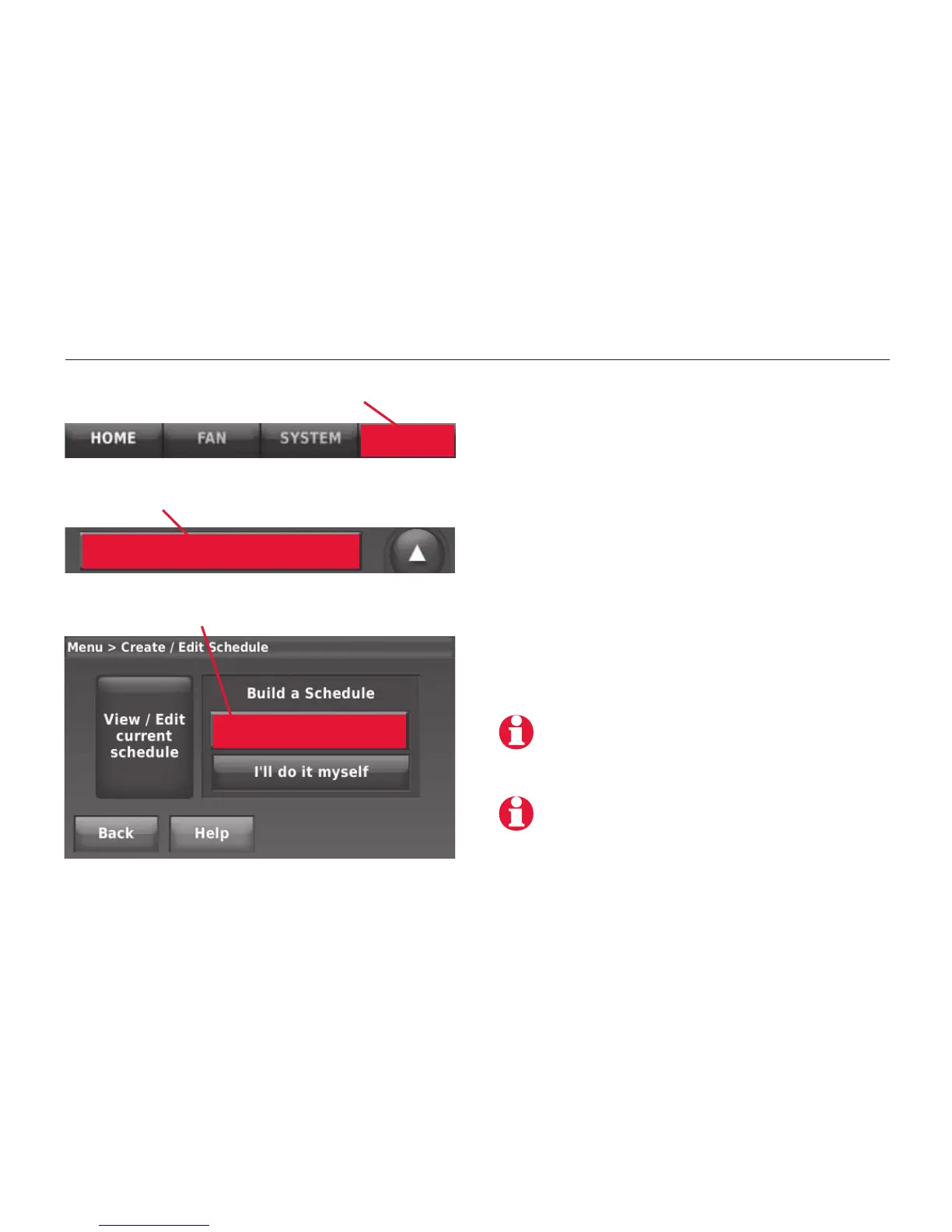
MENU
MCR32965
MCR32966
Create/Edit Schedule
Guide me through
scheduling
MCR32967
To adjust program schedules
Press MENU, then CREATE/EDIT
SCHEDULE to display options:
• Guide me: This option creates a
schedule for you, by asking simple
questions.
• I’ll do it myself: This is a faster way
to create a schedule manually.
• View/Edit:
This displays the full
schedule, so you can make quick
adjustments.
Press CREATE/EDIT SCHEDULE
Press any displayed option
Press
HELP at any menu screen for more
information about schedule options.
To reduce costs, you should use the pre-set
Energy Saver settings (see page 7).
Press MENU



 To Next Page
 Loading...