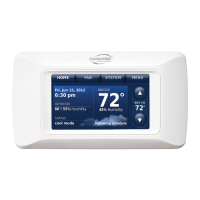
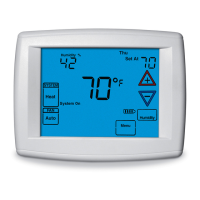
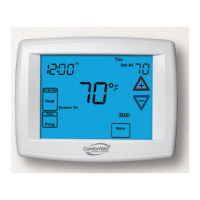
ComfortNet™ Communicating Thermostat
9
69-2687EFS—01
Cancel
Hold
Done
MCR32968
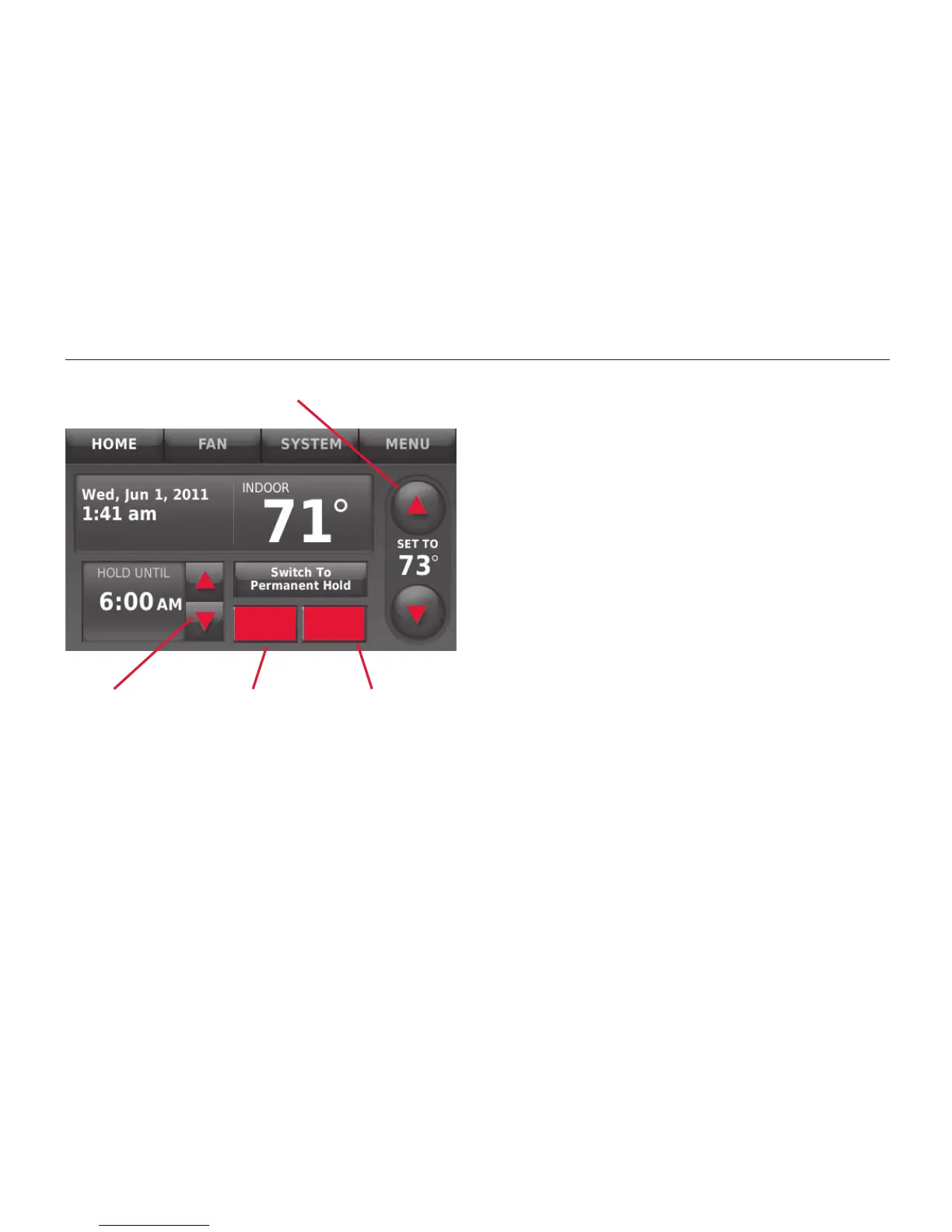
Program schedule override: residential use
Press s or t to change the tempera-
ture. It will be maintained until the “hold”
time you set.
Press the PERMANENT HOLD button to
keep the same temperature until you
manually change it or resume the
program schedule.
To cancel these settings at any time,
press CANCEL HOLD.
Press to change temperature
Press to set
“hold” time
Press to
cancel
“hold”
Press to
begin “hold”


 To Next Page
 Loading...