Operating Manual
4
69-2687EFS—01
Date/time settings
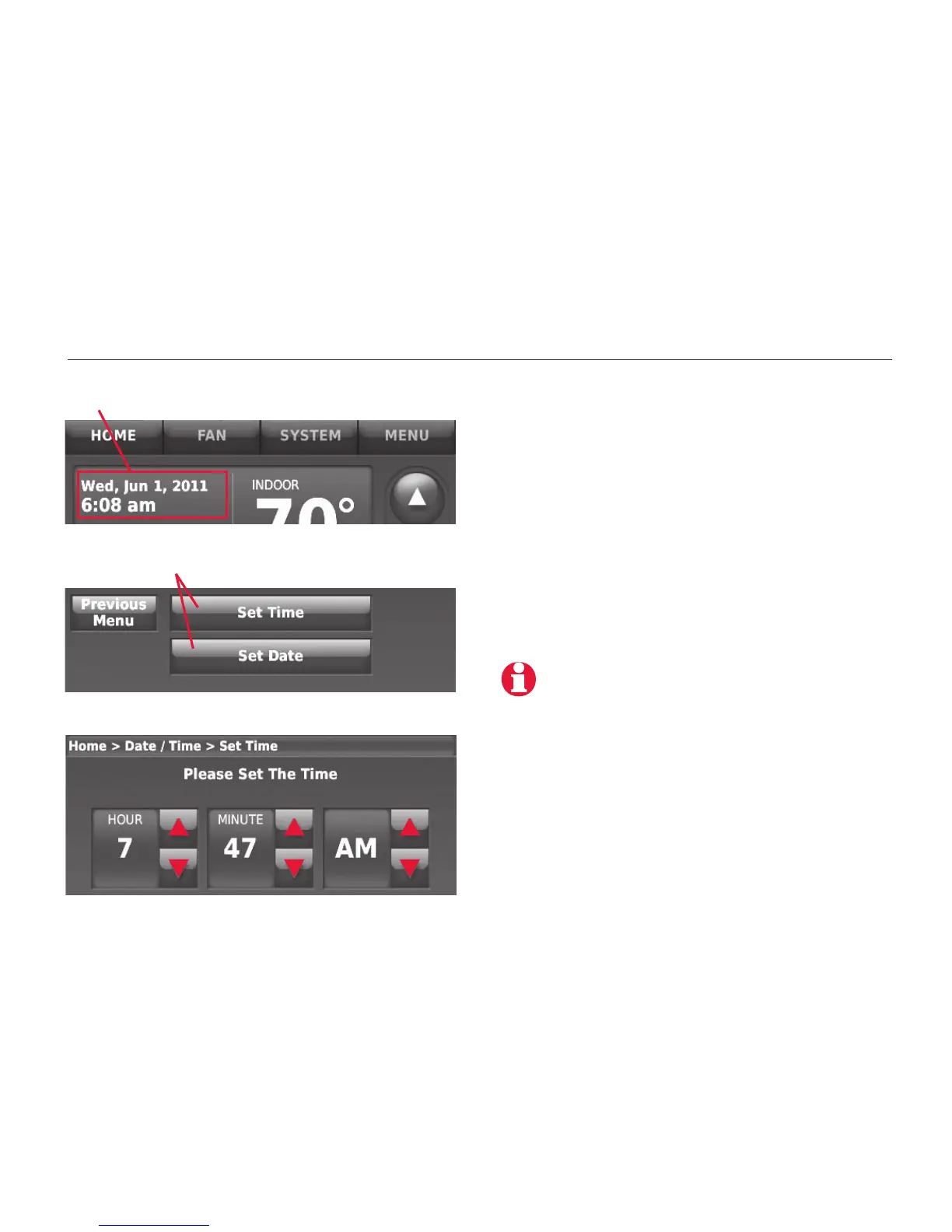
Press arrow buttons to change
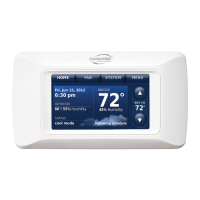
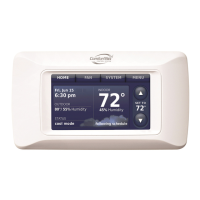
Press date/time display
Press to select date or time
To set the date or time, press the date/
time display, then select SET TIME or SET
DATE.
Press the s or t buttons until the
proper time/date is displayed, then
press DONE to save and exit (or press
CANCEL to exit without changing the
time).
The thermostat will switch to and from
Daylight Saving Time automatically.
MCR32960


 To Next Page
 Loading...