Operating Procedures / Photos
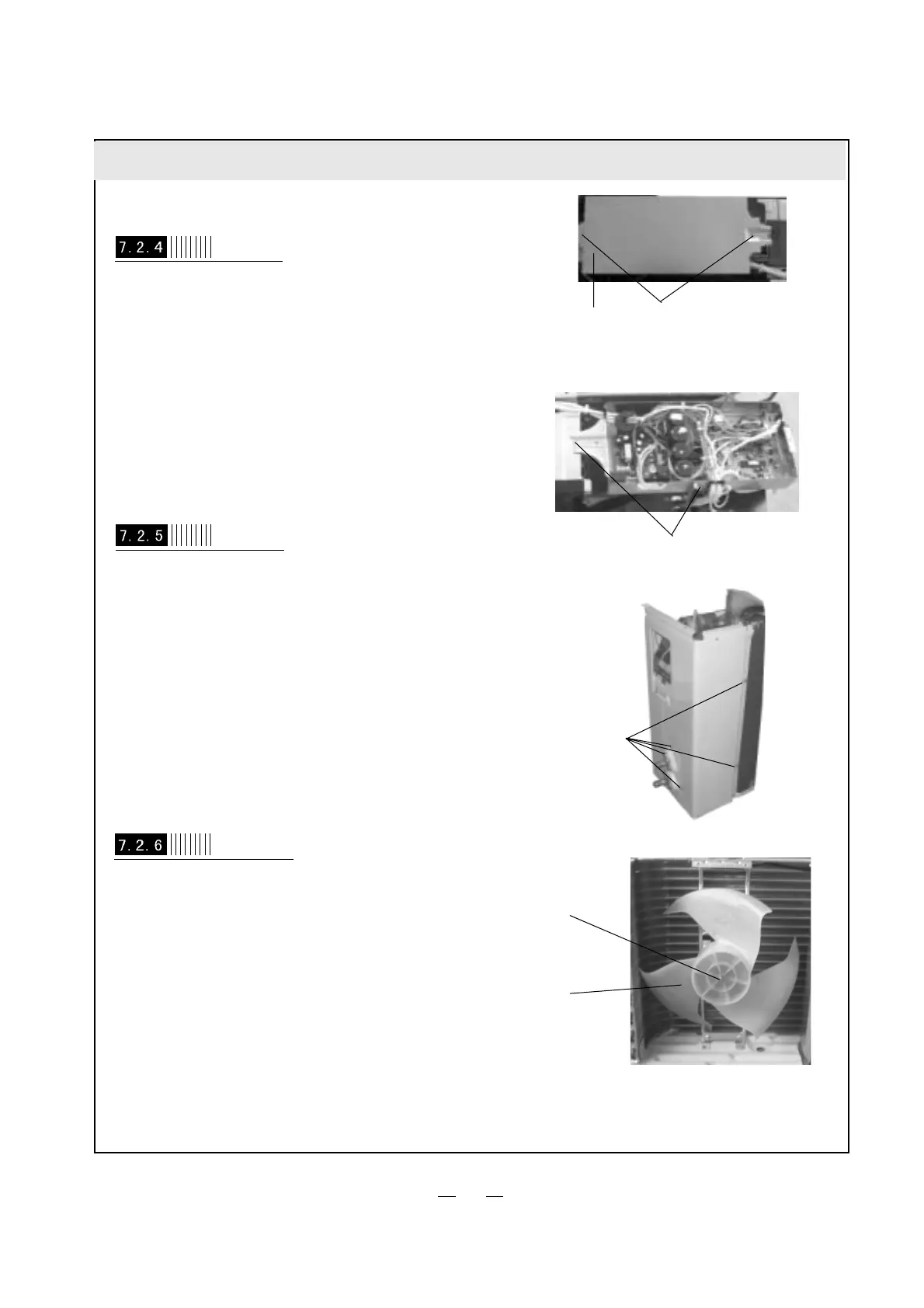
Screw out the 3 bolts that fixing on electric install
plate, plug out lead inserter of compressor and
fan to take off electric install plate.
Disassemble electric install plate
(refer to Figure 7-16,7-17)
electric box cover
bolts
Figure 7-16
Figure 7-17
bolts
Disassemble Right Side Plate
Screw out the 5 bolts on rear side plate can take
off right side plate.
(refer to Figure 7-18)
bolts
Figure 7-18
Disassemble axial-flow vane
Loosen tighten nut by spanner to take off nuts,
spring washer, flat washer, and take off axial-flow
vane forcibly.
(refer to Figure 7-19)
Figure 7-19
axial-flow vane
tighten nut
23



 To Next Page