[Skriv text] 7 [Skriv text]
2
Settings during operation
2.1
Display
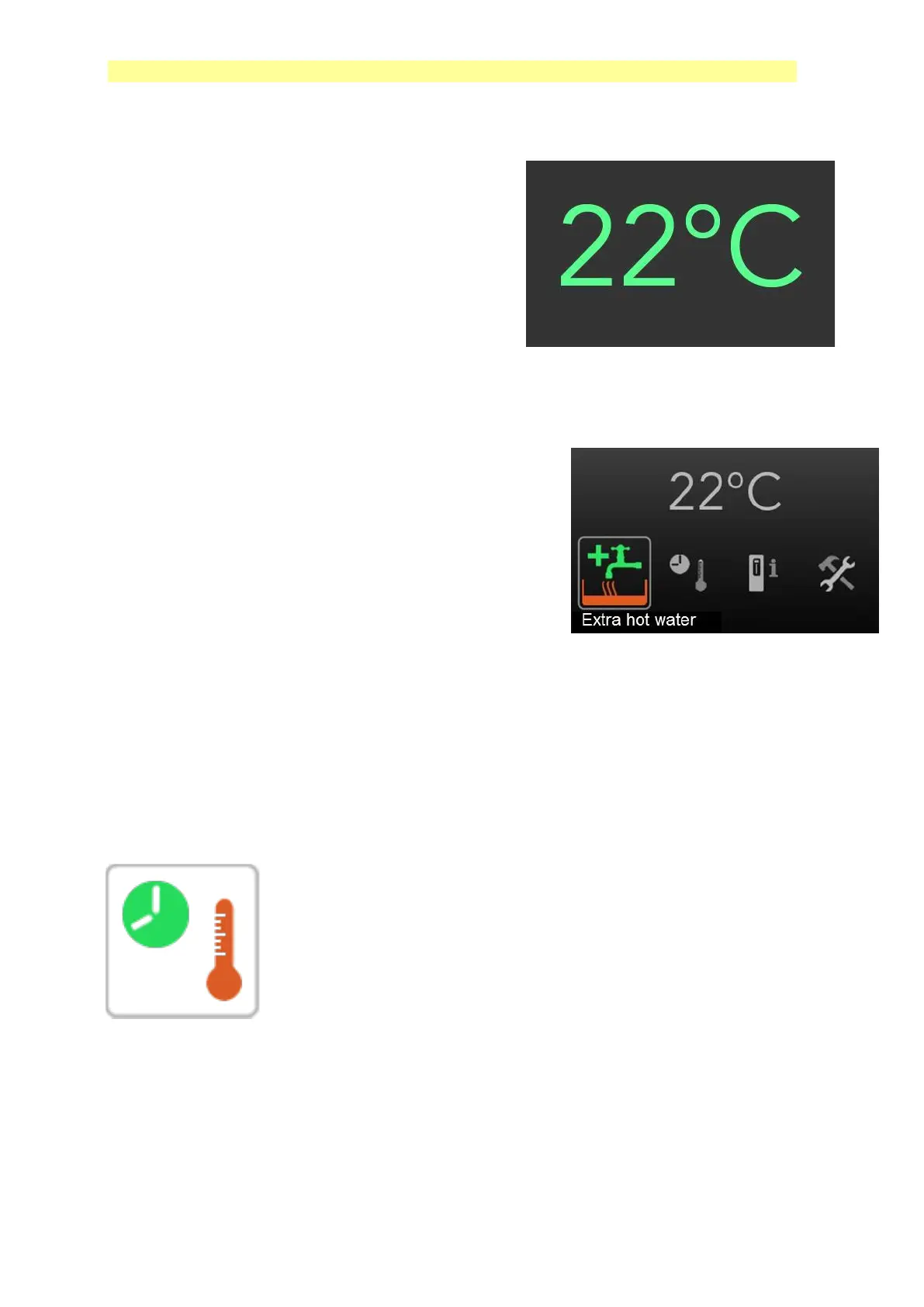
When the display is inactive, the background
and icons are dimmed (invisible) and the indoor
temperature is the only thing lit up.
Press or turn the dial, and the other icons will
be activated. The icons are then lit, and a
cursor frame with text shows the selected icon.
2.2
Extra Hot Water
The function is used for temporarily increased
need for hot water.
Extra hot water is activated by pressing
on the knob marked OK.
Icon changes appearance (begins to fill up a
container).
Turn off by pressing the icon again. The function
shuts off automatically after 3 hours.
2.3
Temperature/Time
Under the Temperature/Time icon you find:
¤ Fine adjustment of indoor temperature
¤ Hot water temp
¤ Hot water priority, Low – Normal – High
¤ Min return temp
¤ Holiday reduction


 To Next Page