page 7
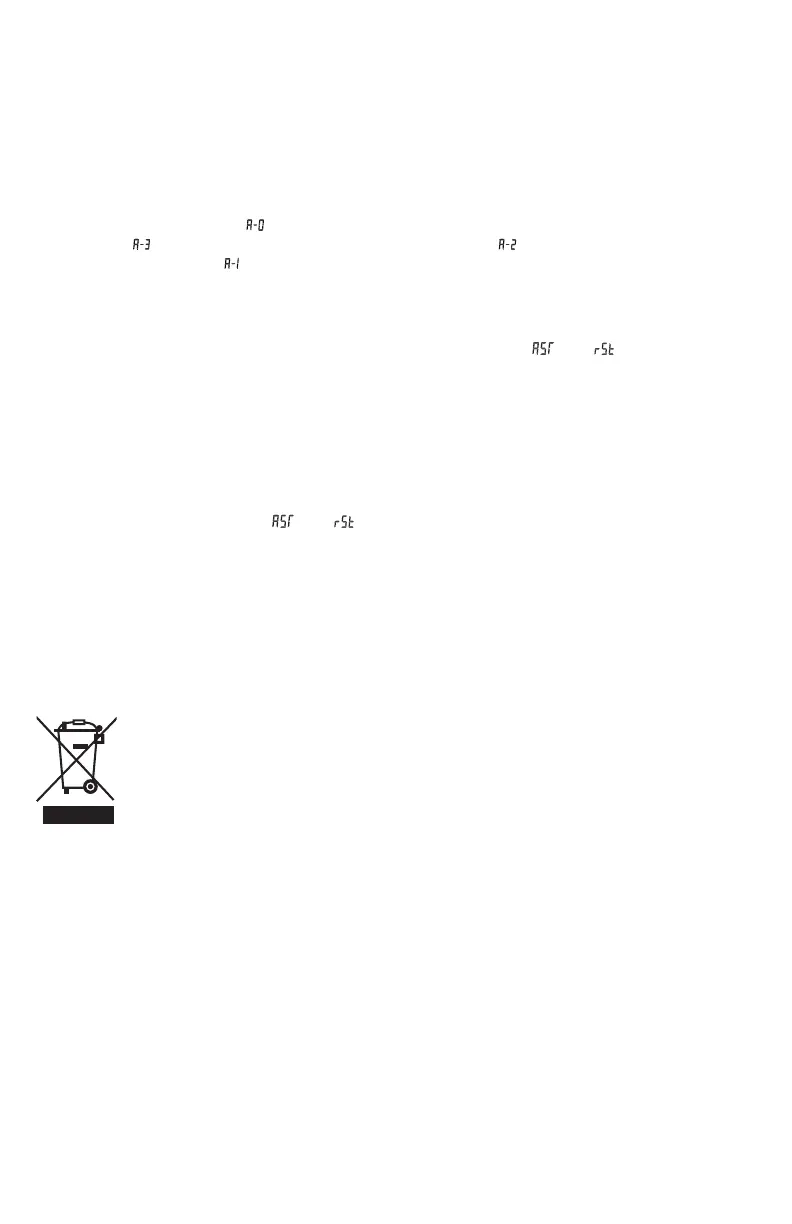
RECYCLING AND DISPOSAL
This marking indicates that this product should not be disposed with other
household wastes. To prevent possible harm to the environment or human health
from uncontrolled waste disposal, recycle it responsibly to promote the sustainable
reuse of material resources. To return your used device, please use the return and
collection systems or contact the retailer where the product was purchased. They
can take this product for environmental safe recycling.
• 29V DC power supply function
1. When the standing desk is not in the reset state, after 1 second from running to
stopping, the 29V DC power supply function will be turned on, and the 2pin at the
back of the control box will output a DC 29V voltage. When the display shows error
“E01” or “E02”, the power supply will stop.
• Anti-collision sensitivity adjustment - optional features
1. Simultaneously press and hold the “▲” and “▼” buttons for three seconds to switch
the sensitivity, one operation to switch one level, divided into 4 levels, A-0, A-1, A-2,
A-3.
2. The display shows “ ” means the anti-collision function is closed; the display
shows “ ” means high sensitivity; the display shows “ ” means medium sensitivity;
the display shows “ ” means low sensitivity.(Factory default A-2).
3. When the desk moves up or down, it will rebound immediately when encountering
obstacles to protect itself and prevent collisions with obstacles.
• Code processing
1. Reset function definition: When the LED display shows “ ” or “ ”, press and hold
the “▼” button to start the reset. When the desktop drops to the lowest height, it
starts to rebound and run upwards. The reset is completed, until the display shows
“bot”.
2. If “E01” or “E02” appears, please let the desk rest for more than 18 minutes before it
can be used normally.
3. If other codes appear and holding the “▼” button for a long time does not get any
response, please confirm that the connection line is not damaged and the connection
is normal. Cut the power for more than 10 seconds, then turn on the power again,
when the display shows “ ” or “ ”, press and hold the “▼” Button to reset.
4. If the desk still does not operate normally after performing above operations,
please contact customer service.


 To Next Page