English - 27
USING THE YARRA 3DX
Setting Presets
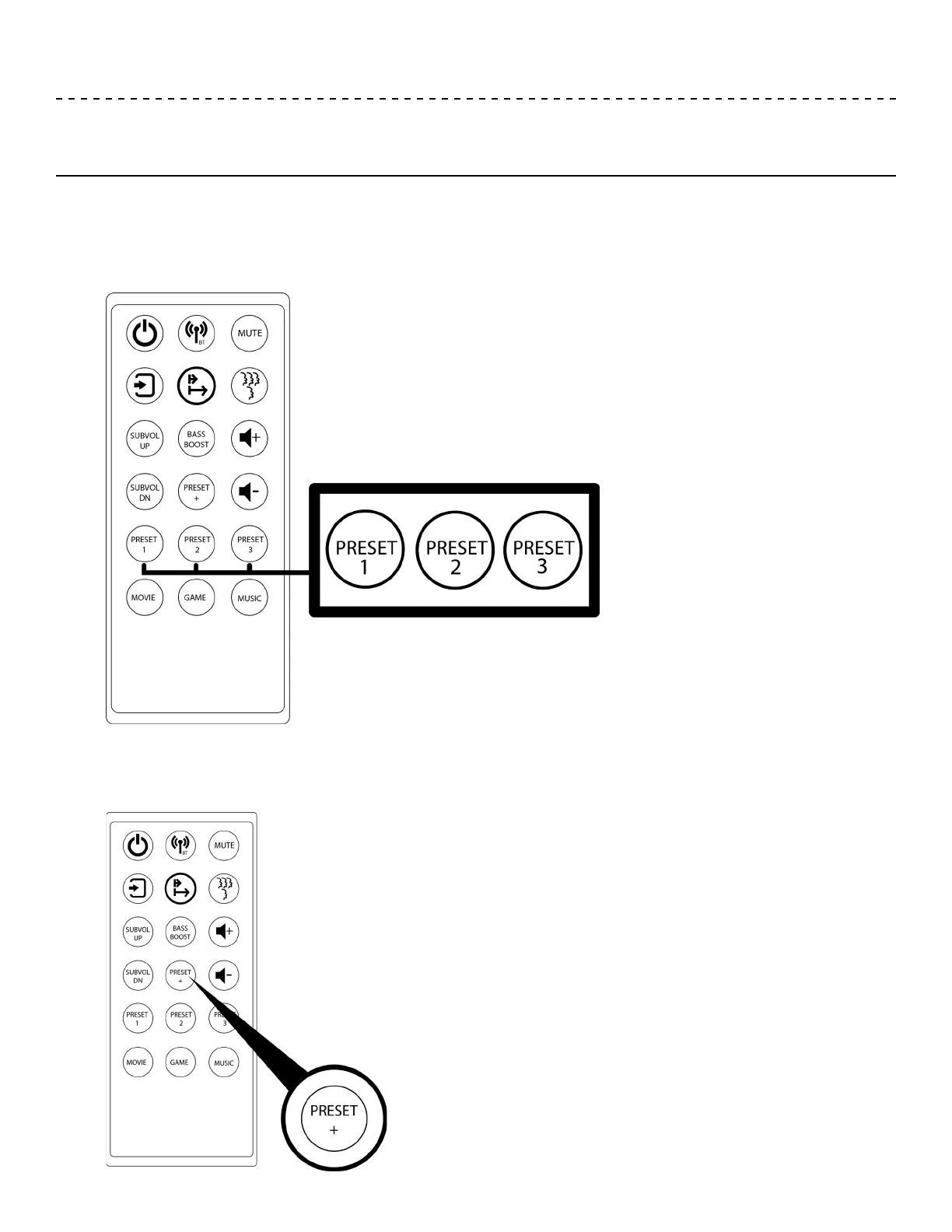
The YARRA 3DX has three customizable PRESET buttons available on the remote. To set a PRESET, choose
between NEAR FIELD and FAR FIELD, then choose either MOVIE, MUSIC or GAMING MODE, next choose either ONE,
TWO or THREE LISTENERS, adjust "sweet spots" and customize EQ if desired then hold either PRESET 1, PRESET 2
or PRESET 3 until all the LED indicator lights ash.
To cycle through each preset, press the PRESET + button.
Note: Pressing PRESET 1, PRESET 2 or PRESET 3 will not cycle through each preset. These buttons are
only used to set each preset.


 To Next Page