English - 13
SETTING UP THE YARRA 3DX
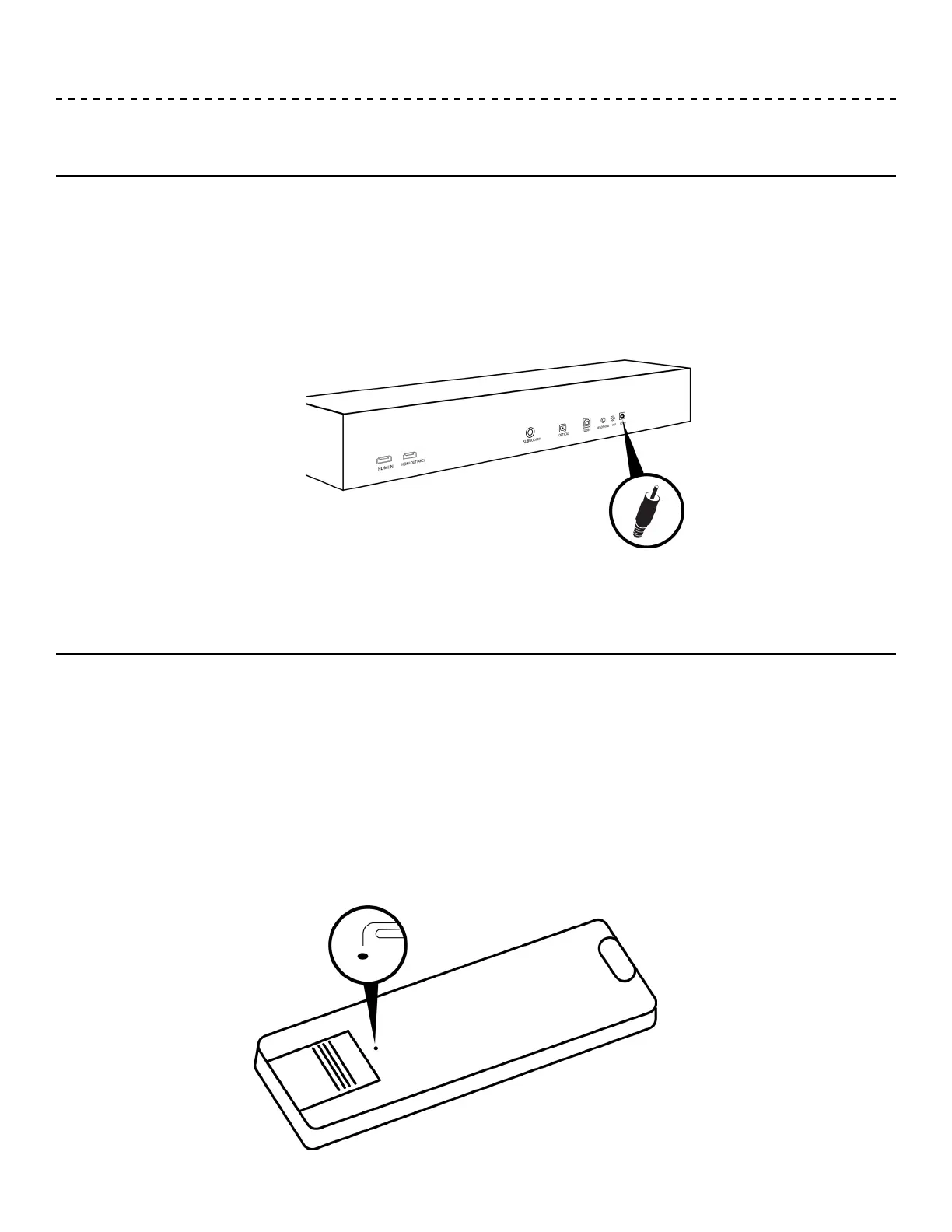
Connecting to power
Install battery in remote control
1. Assemble power cord by connecting outlet plug to AC adapter.
2. Plug the AC/DC adapter into the back of the soundbar.
3. Plug the other end of the power cord into an outlet.
1. Insert a paper clip into the small hole above the battery door and press down to disengage the child safety
tab. With the child safety tab pressed down, slide the batter door off.
2. Insert the provided CR2032 3V x 1 battery.
3. Slide the battery compartment cover back into place.


 To Next Page