2.Operation
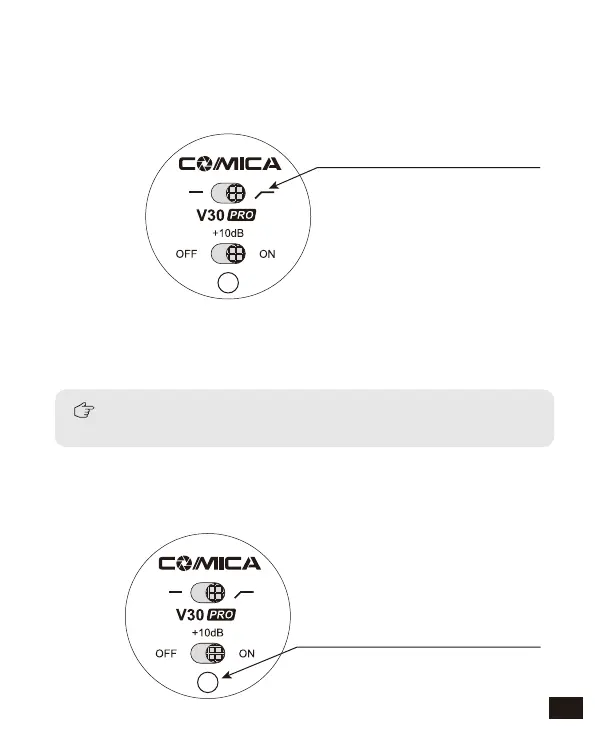
2.1 Low-cut Filter function
Refer to the illustration, switch the low-cut filter function button to
right position, then the function works
2.2 Indication Lamp Status
switch the low-cut filter function
button to right position
(Be aware to replace batteries now)
Normal Working Status: Green
Low-power Working Status: Red
Recording maybe be adversely affected by using the
low-cut filter, so only use as needed
Low-cut Filter Note:
Filter background frequencies lower than 80Hz, such as unwanted
noise produced by wind, focusing, traffic, etc.
11















 To Next Page